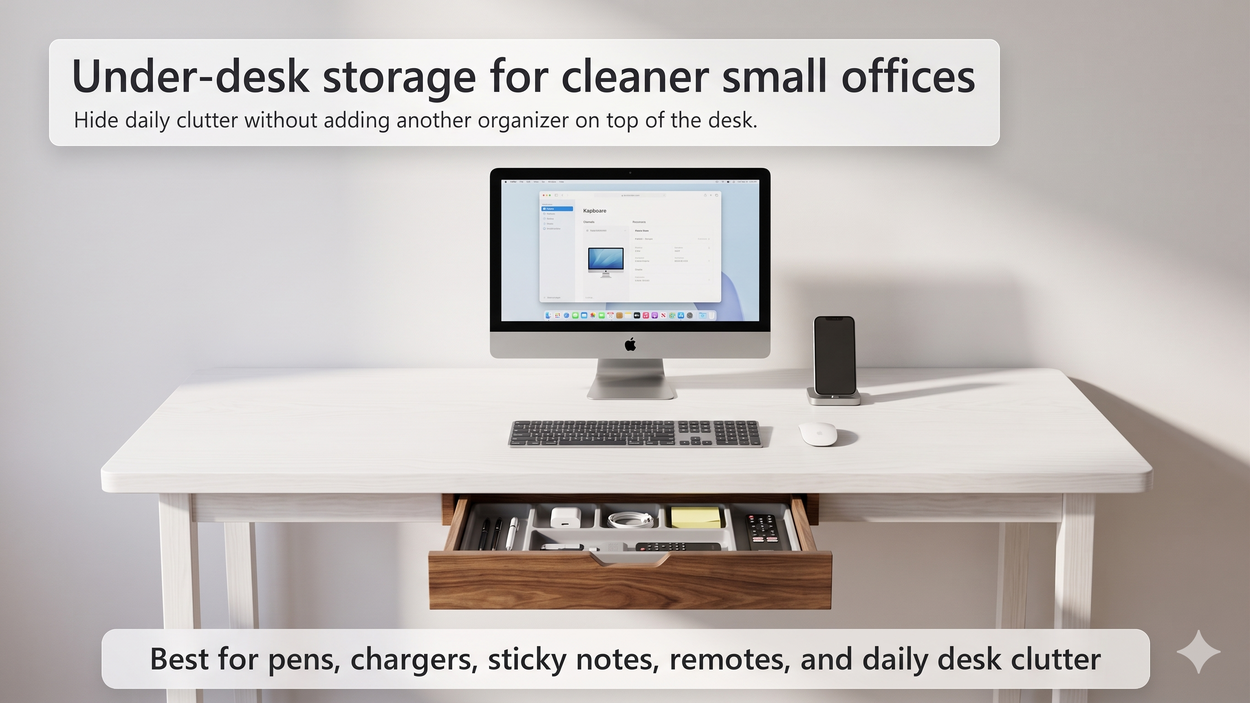
Find the best laptop stand for small desks with height tips, adjustable options, airflow advice, posture support, cable clearance, and cleaner setup ideas.
A laptop stand is one of the simplest upgrades for a small home office. It raises your screen, frees space under and around the laptop, improves airflow, and makes a compact desk feel more intentional. The best laptop stand for a small desk is not always the biggest or most expensive one. It is the stand that lifts your screen to a better height without taking over the whole workspace.
Affiliate disclosure: As an Amazon Associate, I may earn from qualifying purchases. This does not change the price you pay, and it helps support Intuit Chaos.
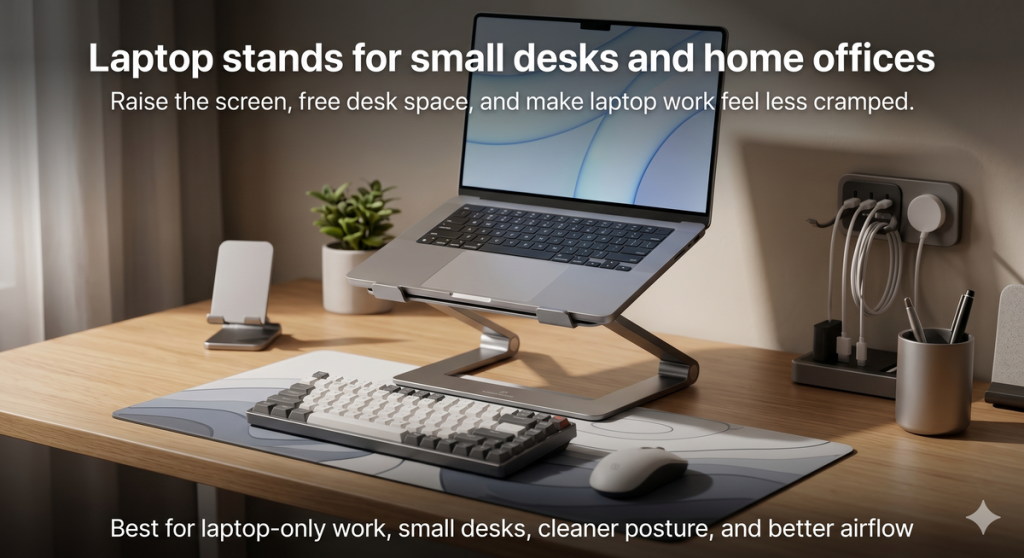
Quick Answer: Which Laptop Stand Should You Choose?
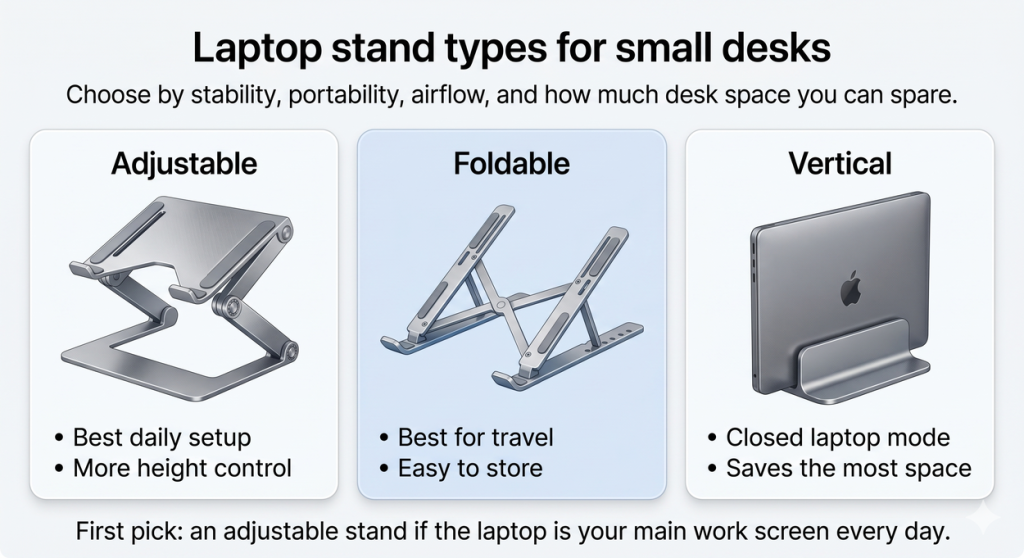
If your laptop is your main work screen, choose an adjustable laptop stand with enough height range to bring the screen closer to eye level. If you move between rooms or travel often, a foldable stand is easier to store. If you use your laptop closed with an external monitor, a vertical laptop stand saves the most desk space.
| Need | Best laptop stand type | Why it helps |
|---|---|---|
| Daily home office work | Adjustable laptop stand | Better screen height and posture control |
| Small desk or shared table | Foldable laptop stand | Easy to move, store, and reset |
| Closed laptop mode | Vertical laptop stand | Saves surface space beside a monitor |
| Hot laptop | Open-frame aluminum stand | Improves airflow under the laptop |
For a broad starting point, compare laptop stands for small desks on Amazon.
Why a Laptop Stand Helps a Small Desk
Small desks have two common problems: the screen is too low, and the laptop takes up the center of the work surface. A stand helps both. It lifts the screen and can create space underneath for a keyboard, notebook, docking hub, or small accessories.
A laptop stand works especially well when paired with a clean desk layout. Use a desk mat to define your work zone, a desk lamp for softer lighting, and cable routing so the setup stays calm after the first week.
How High Should a Laptop Stand Be?
The goal is not to make the laptop tall just for the sake of it. The goal is to bring the top third of the screen closer to eye level, so you do not spend the whole day looking down. Once the laptop is raised, use a separate keyboard and mouse whenever possible.
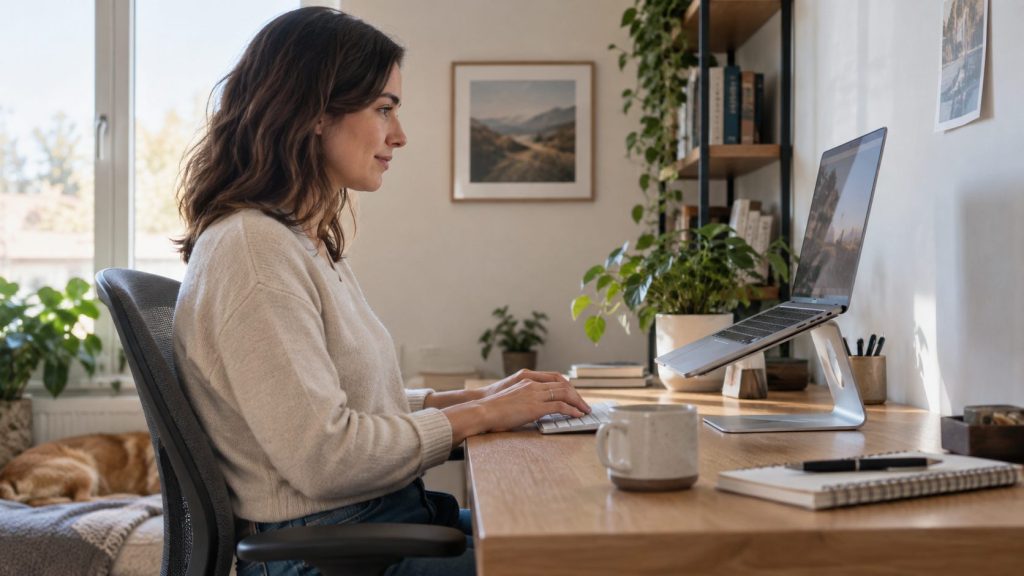
If you raise the laptop but keep typing on the built-in keyboard for long sessions, your wrists and shoulders may still feel awkward. A stand is best when it turns the laptop into a better screen, not when it forces your hands into a steep angle.
Best Laptop Stand Types for Small Desks
Adjustable Laptop Stands
Adjustable stands are the best choice for most daily home office setups. They let you change the height and angle, which is useful if your chair, desk height, or laptop size changes. Look for a sturdy base, grippy pads, and enough clearance for airflow.
You can browse adjustable laptop stands for desks on Amazon if the laptop is your main screen.
Foldable Laptop Stands
Foldable stands are better for flexible spaces. They are easy to put away, carry to another room, or pack for travel. They may not feel as stable as a heavier desktop stand, but they are practical if your desk has to reset at the end of the day.
If you work from different rooms, compare foldable laptop stands on Amazon.
Vertical Laptop Stands
A vertical stand is useful if you connect your laptop to an external monitor and use it in closed mode. It keeps the laptop upright, saves horizontal desk space, and can make the setup look much cleaner. This is not the best choice if you need the laptop screen open all day.
What Features Are Worth Paying For?
- Stable base: A wobbly stand becomes annoying quickly.
- Height adjustment: More useful than decorative design.
- Open-frame airflow: Helps laptops that run warm.
- Grippy pads: Keeps the laptop from sliding.
- Space underneath: Useful for storing a keyboard or notebook when not in use.
- Foldability: Worth it if you work in shared spaces or travel.
If cooling is a priority, search for aluminum laptop stands with airflow on Amazon.
Laptop Stand vs Monitor Stand
A laptop stand is best when the laptop itself is the screen you use. A monitor stand is better if you use an external monitor and need storage underneath. If you work with both a laptop and monitor, you may use a laptop stand on one side and a monitor stand in the center.
For external screen setups, read Best Monitor Stands With Storage for Small Desks. For hidden small-item storage, see Best Under Desk Storage Drawers for Small Home Offices.
Setup Tips for a Cleaner Laptop Workspace
- Place the stand near the back half of the desk so the keyboard has room in front.
- Use a separate keyboard and mouse for longer work sessions.
- Keep charging cables routed behind the stand or along one side.
- Leave airflow space under the laptop, especially if it runs warm.
- Pair the stand with a desk mat so the keyboard and mouse area feels intentional.
- Use a lamp from the side if video calls look dark or uneven.
For cable cleanup, use Cable Management Ideas for a Cleaner Desk Setup or a dedicated Under Desk Cable Management Tray for Small Home Offices.
Common Mistakes to Avoid
- Buying a stand that is too low: It may improve airflow but not posture.
- Ignoring keyboard comfort: A raised laptop needs a separate keyboard for long sessions.
- Choosing a wide stand for a tiny desk: Measure before buying.
- Blocking vents: Avoid stands that cover laptop cooling areas.
- Letting cables hang in front: Route charging and hub cables behind the stand.
FAQ
Are laptop stands worth it for small desks?
Yes. A laptop stand can raise the screen, improve airflow, and create more usable desk space. It is one of the easiest upgrades for a compact home office.
Do I need a separate keyboard with a laptop stand?
For long work sessions, yes. Raising the laptop makes the screen more comfortable, but typing on the raised laptop keyboard can strain your wrists and shoulders.
Is an adjustable or foldable laptop stand better?
An adjustable stand is better for a fixed daily desk. A foldable stand is better if you move around, travel, or need to put the setup away often.
Can a laptop stand help with overheating?
It can help if the stand improves airflow under the laptop. Open-frame aluminum stands are usually better for airflow than solid platforms.
Final Thoughts
The best laptop stand for small desks should lift the screen, stay stable, allow airflow, and leave enough room for a keyboard and mouse. Choose an adjustable stand for daily work, a foldable stand for flexible spaces, or a vertical stand for closed-laptop setups. When combined with a desk mat, clean cable routing, and better lighting, it can make a small home office feel far more comfortable.
For the full home office cluster, start with Best Desk Organization Products for Small Home Offices and continue with Top 10 Home Office and Smart Home Upgrades for 2026.
Leave a Reply