Affiliate disclosure: As an Amazon Associate I earn from qualifying purchases. This guide uses affiliate links to Amazon.com.
A small home office gets messy quickly because every item is close to your hands: cables, chargers, notebooks, coffee, headphones, receipts, pens, and the tools you use between meetings. The best desk organization products are not the fanciest accessories. They are the pieces that remove daily friction, make your workspace easier to clean, and help you reset the desk in less than two minutes.
This guide is the main Intuit Chaos hub for small home office desk organization. If you are starting from zero, begin here, then use the related guides for deeper decisions on cable trays, cable boxes, foot rests, lighting, and movement-friendly desk upgrades.
Quick picks by problem
- Visual clutter: start with a monitor stand with storage or a desktop file sorter.
- Cables under the desk: use an under-desk tray and route only the cables you truly need.
- Power strip mess: use a cable management box on the floor or side table.
- Back and leg comfort: add an ergonomic foot rest before buying another chair.
- Reading or evening work: choose a warm rechargeable book light or compact desk lamp.
The best order to organize a small home office
Most people buy desk organizers in the wrong order. They start with trays and containers, then discover that the biggest problem is actually cable routing, monitor height, or a lack of reach zones. A better system is to organize by function.
- Clear the surface first. Remove everything that does not need to live on the desk every day.
- Lift the screen. A monitor stand creates storage underneath and improves posture.
- Route power once. Decide where the power strip should live, then hide the excess cable length.
- Create a daily reset zone. Keep notebooks, pens, and small tools in one predictable place.
- Add comfort last. Once the desk is clear, add a foot rest, lamp, or under-desk movement tool.
1. Monitor stand with storage
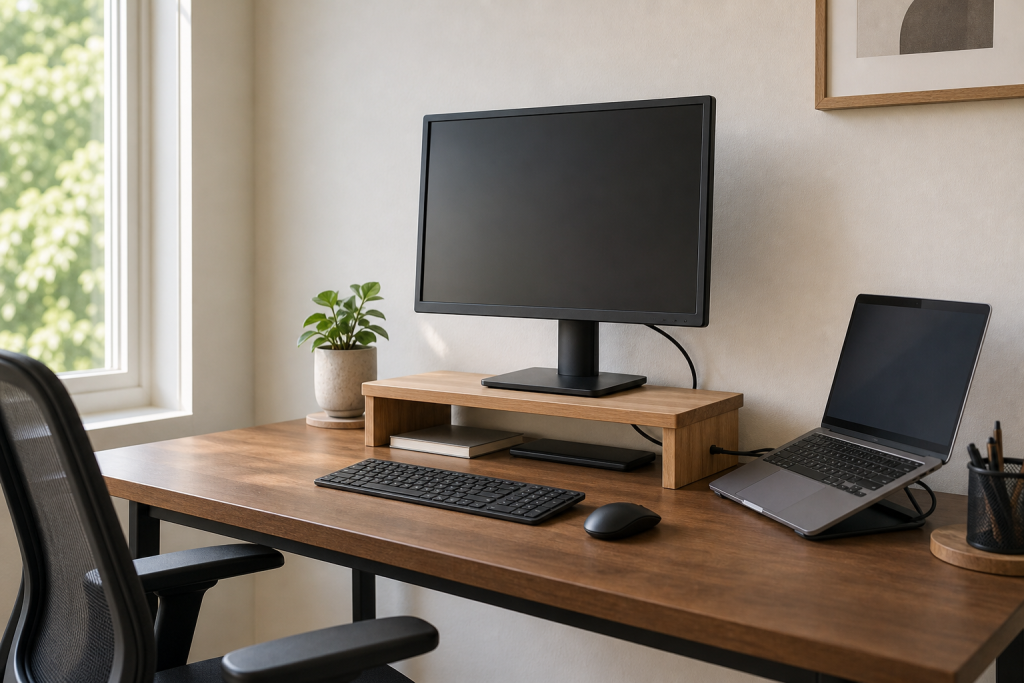
A monitor stand with storage is one of the fastest upgrades for a small desk because it solves two problems at once: screen height and surface clutter. The right stand should lift your screen close to eye level while leaving space for a keyboard, notebook, or dock underneath.
For small home offices, avoid oversized risers that steal too much width. Look for a stand with open space underneath, stable legs, and enough clearance for your keyboard. If you use a laptop as a second screen, pair the stand with a separate laptop riser or vertical laptop holder.
Check monitor stands with storage on Amazon
2. Under-desk cable tray
If cables are the main reason your workspace feels chaotic, an under-desk cable tray should come before decorative organizers. A good tray holds the power strip and heavy cable loops below the desktop, so only short, intentional cables come up to your devices.
For installation details, see our dedicated guide to the under desk cable management tray for small home offices. If you want the full cleanup workflow, use the cable management ideas for a cleaner desk setup guide as the step-by-step companion.
Browse under-desk cable trays on Amazon
3. Cable management box
A cable box is best when your power strip must stay on the floor, a side table, or behind a cabinet. It hides the bulky part of the setup while still letting you access plugs when you need them. This works especially well for renters who do not want to drill into a desk.
Choose a box with enough ventilation, side exits for cables, and a lid that is easy to lift. For floor setups, a heavier box is usually better because it stays in place when cables move. Read the focused guide: best cable management box for messy desk cords.
Browse cable management boxes on Amazon
4. Drawer organizer or desktop tray
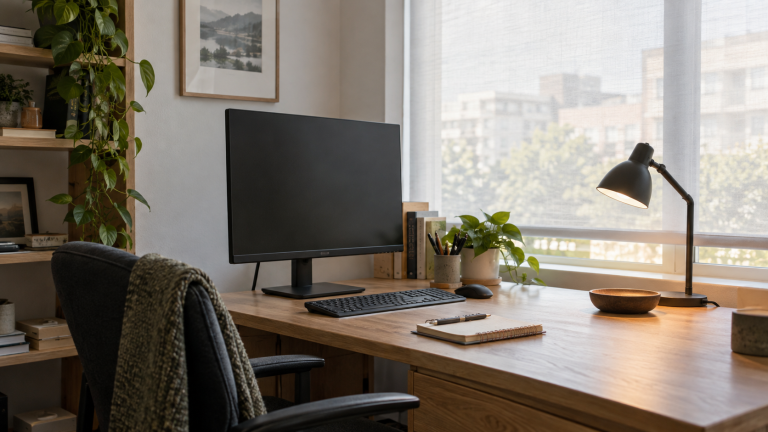
Small loose items are the quiet source of desk clutter. A drawer organizer works well if your desk has drawers. If it does not, use one shallow desktop tray for pens, sticky notes, adapters, and small tools. The goal is not to hide everything. The goal is to give tiny items one home.
Keep this category simple. One organizer is usually enough. If you need three trays to manage daily tools, the real problem is that too many things are living on the desk.
Check desk drawer organizers on Amazon
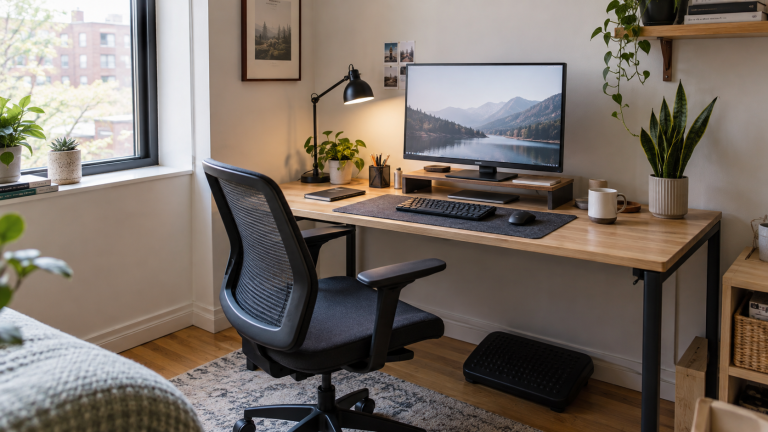
5. Ergonomic foot rest
A cleaner desk is useful, but comfort is what keeps the workspace usable. If your feet do not rest flat on the floor or your chair height is set for the desk rather than your body, a foot rest can reduce fidgeting and lower-back strain.
For a deeper buying checklist, see our guide to the best under desk foot rest for lower back pain. If you also want light movement while seated, compare it with our guide to under desk ellipticals for seniors.
Browse ergonomic foot rests on Amazon
6. Desktop file sorter
Paper clutter is different from accessory clutter because it often represents unfinished decisions. A vertical file sorter is better than a flat pile because it makes active paperwork visible without spreading it across the desk.
Use three sections only: action, reference, and archive. If a file sorter grows beyond that, move long-term documents away from the desk and keep the work surface for current tasks.
Check desktop file sorters on Amazon
7. Compact light for evening work
A small light can make a desk feel calmer at night, especially if your main room lighting is harsh. For shared bedrooms or small apartments, a rechargeable amber book light can be more practical than a full desk lamp.
See our guide to the best rechargeable book light for reading in bed if you want a low-glare option that also works for notebooks, planners, and late-night reading.
Browse rechargeable reading lights on Amazon
How to choose without overbuying
Before buying anything, take one photo of your desk at the end of a normal workday. The photo will show which problem is actually costing you attention. If the desktop is clear but the floor is messy, start with cable management. If the floor is clean but the desk is covered in small tools, start with a tray or drawer organizer. If the desk looks fine but your body feels tired, start with comfort.
For a broader upgrade plan, read Top 10 Home Office and Smart Home Upgrades for 2026. Use that article when you are ready to move beyond organization into ergonomics, audio, smart lighting, and everyday automation.
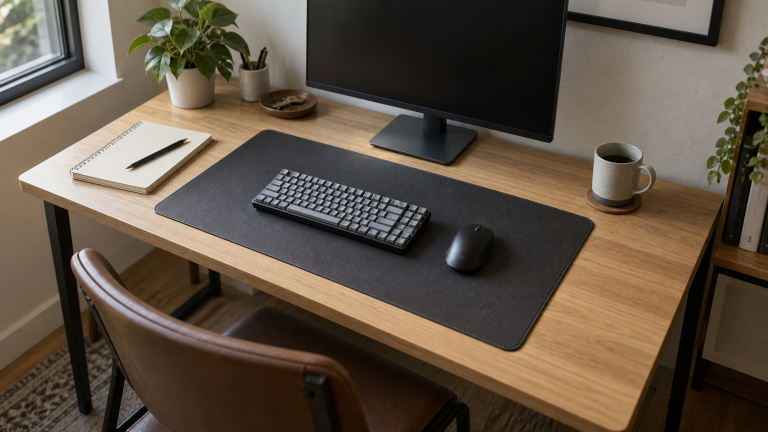
If you are organizing a workspace from scratch, use our small home office setup checklist to plan the layout before adding storage. When reserving a shared surface for your keyboard and mouse, our guide to choosing a desk mat size for a small desk helps you check the footprint without crowding the rest of the desk.
Common small-office organizing mistakes
The most common mistake is buying storage before deciding what should stay on the desk. Storage products can hide clutter, but they cannot fix an unclear workflow. Before adding another container, decide which items are daily tools, which items are weekly tools, and which items should live somewhere else.
The second mistake is solving cable clutter only on the desktop. A neat charging cable still creates visual noise if the power strip, wall plug, and extra cable length are messy below the desk. That is why the best setup usually combines a cable tray, a cable box, and a few reusable ties instead of relying on one product.
The third mistake is ignoring comfort. A desk can look organized and still feel tiring. If your feet dangle, your monitor is low, or your lamp causes glare, you will keep shifting items around without solving the real problem. Good organization should make the desk easier to use, not just easier to photograph.
Related home office guides
- Cable management ideas for a cleaner desk setup
- Under desk cable management tray for small home offices
- Best cable management box for messy desk cords
- Best under desk foot rest for lower back pain
- Best rechargeable book light for reading in bed
- Best under desk ellipticals for seniors
- Top home office and smart home upgrades for 2026
Final recommendation
If you only buy three desk organization products, make them a monitor stand with storage, an under-desk cable tray, and a simple drawer organizer or desktop tray. That combination handles the largest sources of clutter without turning your workspace into a storage project.
Leave a Reply