Disclosure: As an Amazon Associate, I earn from qualifying purchases. This article uses affiliate links, which means I may earn a commission if you buy through them, at no extra cost to you.
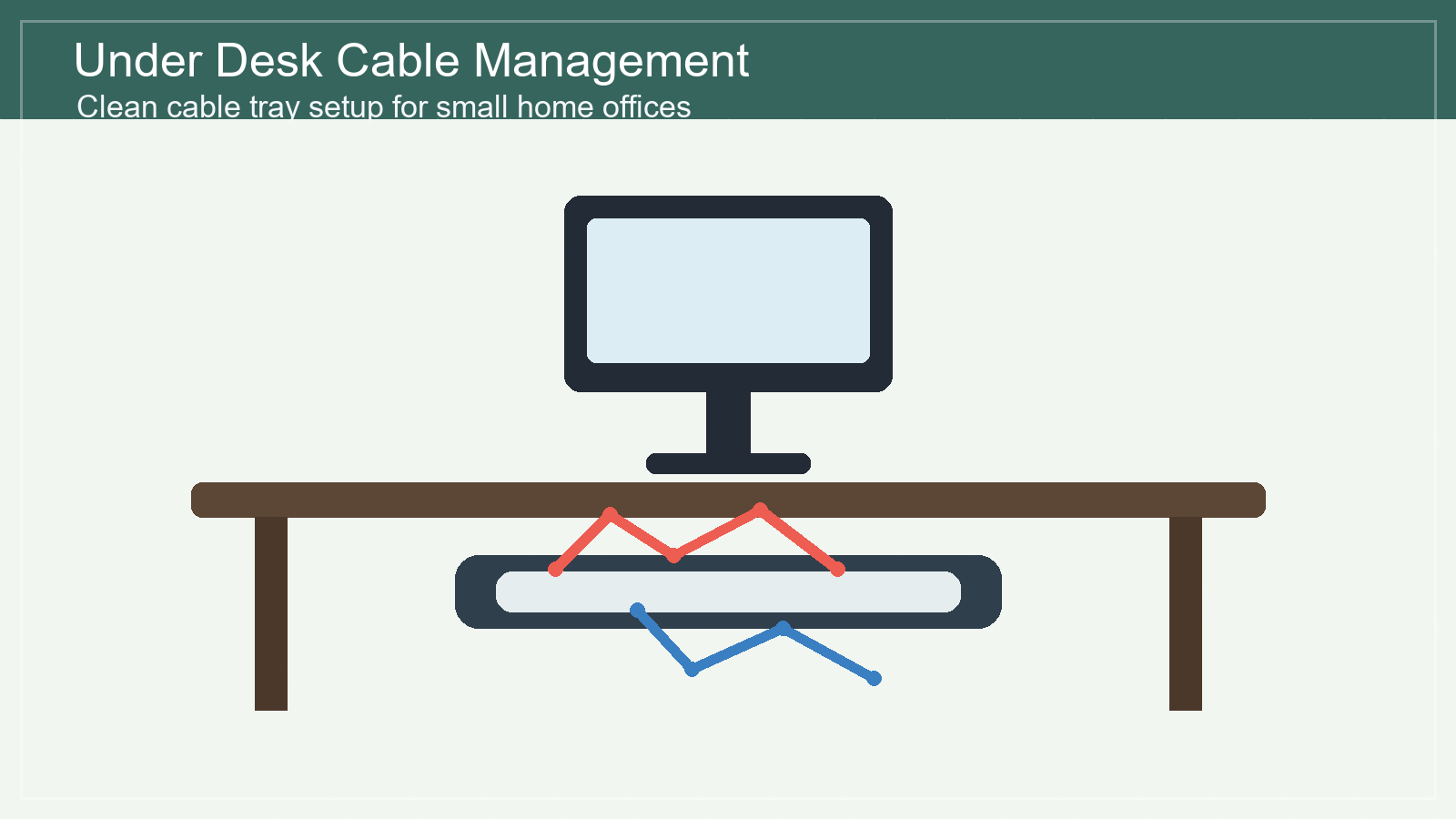
A messy cable bundle can make even a nice desk feel unfinished. If your laptop charger, monitor cord, power strip, and USB hub all collect under your feet, an under desk cable management tray is one of the simplest upgrades you can make. It is a single product, usually mounted under the desk surface, that holds cables and a power strip off the floor so your home office looks calmer and is easier to clean.
For small apartments, shared rooms, and compact home offices, this is especially useful. You do not need a full desk makeover. You just need a place for the cable mess to live.
Check under desk cable management trays on Amazon
Why an under desk cable management tray is worth it
The best thing about this product is that it hides clutter without changing how your setup works. Your charger, power strip, monitor cable, and dock can stay plugged in. The tray simply lifts them into a cleaner, safer position under the desktop.
That matters in a small home office because visual noise builds quickly. A clean desktop helps, but if the floor underneath the desk is crowded with cords, the whole area still feels busy. A cable tray solves the problem at the source.
Best for small desks and apartment workspaces
An under desk tray is a strong fit if your desk is against a wall, inside a bedroom, in a studio apartment, or in a multi-use living area. It keeps cables contained so the workspace can blend into the room instead of looking like a temporary tech station.
It also makes routine cleaning easier. When cables are lifted off the floor, vacuuming or sweeping around the desk becomes less annoying. That sounds small, but it is exactly the kind of small-space upgrade that makes a room easier to live with every day.
What to look for before buying
1. Enough length for your power strip
Before buying, measure your power strip and the space under your desk. Many trays are long enough for a standard power strip, but not all desks have the same clearance. A little measuring saves frustration later.
2. Open design for airflow
A tray with an open wire or ventilated design is usually easier to manage. It lets heat escape around power adapters and makes it simpler to thread cables in and out when you change your setup.
3. Strong mounting hardware
Look for a tray that feels sturdy and includes clear mounting hardware. If you rent or do not want to drill, check whether clamp-style options are available. If you own the desk and want the cleanest result, screw-mounted trays usually feel more permanent.
4. Easy access after installation
A cable tray should hide the mess, not trap it forever. Choose a design that still lets you reach plugs when you need to swap a charger, unplug a device, or reset a power strip.
How to use it for a cleaner desk setup
Start by unplugging everything and grouping cables by device. Place the power strip inside the tray first, then route each cable toward the device it powers. Use small hook-and-loop ties if you need to shorten extra cable length. Avoid pulling cables too tight, because a little slack makes future changes easier.
If you already liked our guide on cable management ideas for a cleaner desk setup, this is the product that makes those ideas easier to maintain. Cable clips and sleeves help, but the tray gives the whole system a home.
Who should skip it?
This product may not be ideal if your desk has very thin material, unusual metal framing, or no clear mounting area underneath. It may also be unnecessary if you only use one laptop charger and nothing else. But if your desk has a monitor, lamp, dock, printer, speakers, or multiple chargers, the tray quickly becomes useful.
SEO-friendly quick recommendation
For most small home offices, choose a medium-length under desk cable management tray with an open design, sturdy mounting, and enough space for one power strip plus extra cable length. It is not the flashiest desk accessory, but it is one of the most practical.
Bottom line: if you want one affordable product that makes a desk look cleaner fast, an under desk cable management tray is a smart place to start.
Browse under desk cable management trays on Amazon
FAQ
Is an under desk cable management tray hard to install?
Most are simple to install, but the difficulty depends on your desk and mounting style. Clamp-on trays are usually easier. Screw-mounted trays often look cleaner but take a little more time.
Can I put a power strip in a cable tray?
Many people use cable trays for power strips, but always follow the product instructions and avoid overcrowding adapters. Leave enough space for airflow and easy access.
Will it work with a standing desk?
Yes, but make sure the cables have enough slack for the desk to move up and down safely. A cable tray can be very helpful on standing desks because it keeps cords from dragging.
Leave a Reply