Affiliate disclosure: As an Amazon Associate I earn from qualifying purchases. This guide uses affiliate links to Amazon.com.
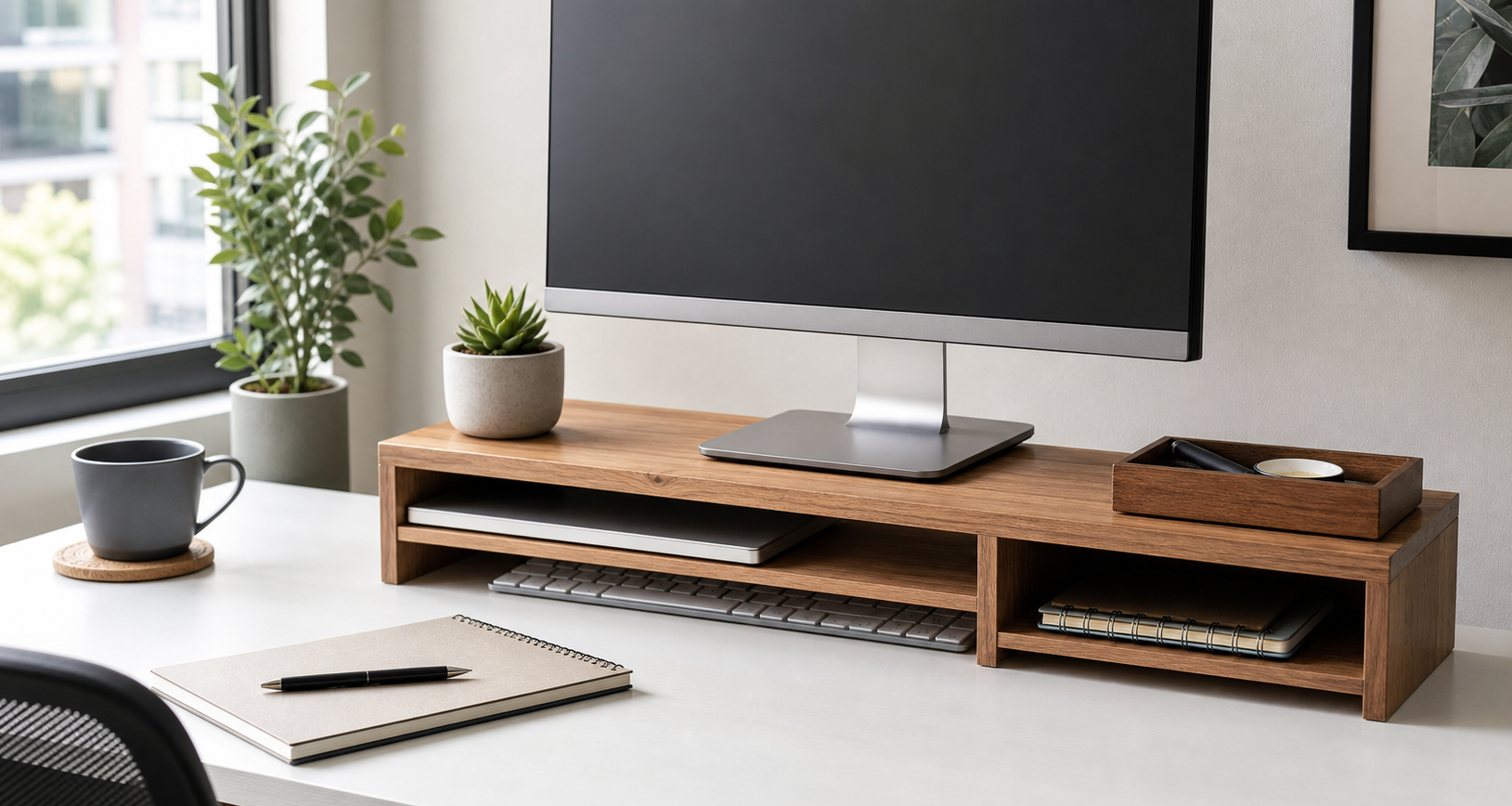
A small desk can feel crowded even when you only use a monitor, keyboard, mouse, notebook, and a few chargers. The problem is usually not the size of the room. It is the lack of vertical space. A good monitor stand with storage gives your screen a better height, creates a parking spot for your keyboard, and turns the dead space under the monitor into useful storage.
This guide focuses on practical monitor stands for small desks, not oversized decorative risers. If you are building a cleaner home office setup from scratch, start with our main guide to best desk organization products for small home offices, then use this article to choose the right monitor stand.
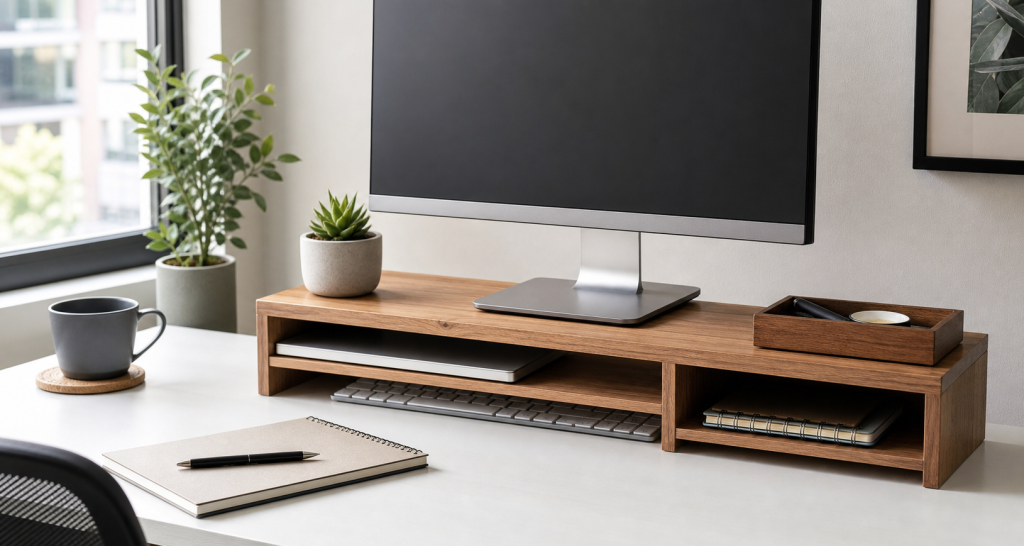
Browse monitor stands with storage for small desks on Amazon
Quick picks by desk problem
- Small desk with no drawers: choose a monitor stand with open shelf storage.
- Paper clutter: choose a stand with a drawer or side compartments.
- Keyboard always in the way: choose a stand with enough clearance underneath.
- Neck strain: choose a stand that raises the screen closer to eye level.
- Many chargers and accessories: choose a wider stand with cable space behind it.
Why a monitor stand works so well on a small desk
A monitor stand is one of the rare desk upgrades that improves both organization and ergonomics. It lifts the monitor, frees space underneath, and gives small accessories a predictable home. That matters because a small desk becomes messy when every item competes for the same flat surface.
The best monitor stands with storage solve three common problems. First, they reduce visual clutter by giving your keyboard, notebook, and small tools a place to go. Second, they improve posture by raising the monitor. Third, they make daily cleanup faster because you can reset the desk without moving everything to another room.
If cables are also part of the problem, pair the stand with a simple system from our cable management ideas for a cleaner desk setup guide.
What to look for before buying
1. Enough height, but not too much
The goal is to bring the top third of your screen closer to eye level. A stand that is too low will not help posture. A stand that is too high can make you tilt your head back. For many desks, a monitor rise of about 3 to 5 inches is a practical range, but the right height depends on your chair, desk, monitor size, and body position.
2. Usable storage underneath
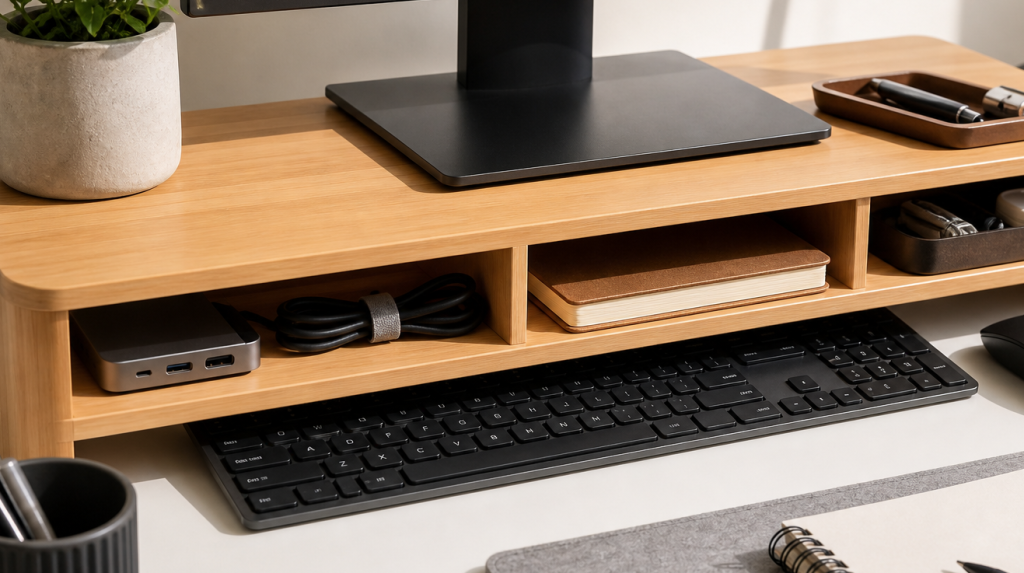
Do not buy a stand only because it says “storage.” Look at the usable opening. Can your keyboard slide under it? Can a notebook fit? Is there enough width for a small tray or hub? Open shelf storage is usually better for people who reset their desk daily, while drawers are better for hiding small tools.
3. Width that matches the desk
On a small desk, the stand should not dominate the entire surface. A compact stand works well for a single monitor. A wider stand may be useful if you want to store a keyboard, trackpad, small notebook, and USB-C hub underneath. Measure your desk before buying, especially if your speakers, lamp, or laptop stand also need space.
4. Stable material
Wood, metal, and sturdy composite materials can all work. The key is stability. A stand should not flex when you type, bump the desk, or adjust the monitor. If you use a heavy monitor, check the weight capacity and avoid flimsy plastic risers.
5. Cable space behind the stand
A monitor stand can make cables look cleaner, but only if there is room behind it for routing. If the stand sits flush against the wall, cables may bend awkwardly. A little rear clearance helps you route display, power, keyboard, and charging cables without creating a new tangle.
Best types of monitor stands with storage
Open shelf monitor stands
This is the simplest and most flexible option. It gives you space under the monitor for a keyboard, notebook, dock, or small tray. Open shelf stands are ideal for small home offices because they keep everyday items visible and easy to reset.
Check open shelf monitor stands on Amazon
Monitor stands with drawers
A drawer is useful if your desk collects pens, sticky notes, adapters, receipts, or memory cards. The tradeoff is that drawers can become clutter zones if you never empty them. Choose this style if you want to hide small items but still access them daily.
Browse monitor stands with drawers on Amazon
Metal mesh monitor stands
Metal mesh stands are usually lightweight, affordable, and visually simple. They often work well in basic office setups. The downside is that some models have less warm style than wood and may not offer much storage beyond the open space underneath.
Wide monitor risers for dual-use desks
If your desk is both a work desk and a writing table, a wide monitor riser can create a clean zone under the screen. You can tuck the keyboard away when writing, planning, or doing paperwork. This is especially useful in apartments where one desk has to serve several jobs.
How to set up a monitor stand cleanly
After choosing a stand, place only the items you use daily underneath it. A keyboard, notebook, small tray, or USB-C hub makes sense. Random spare cables, old receipts, and tools you rarely use should live somewhere else. The stand should make your desk easier to reset, not become a hidden junk shelf.
Route the monitor cable and power cable behind the stand. If the cables drop below the desk, use clips or an under-desk tray. Our guide to an under desk cable management tray for small home offices explains how to hide the power strip and extra cable length below the desktop.
Monitor stand vs monitor arm
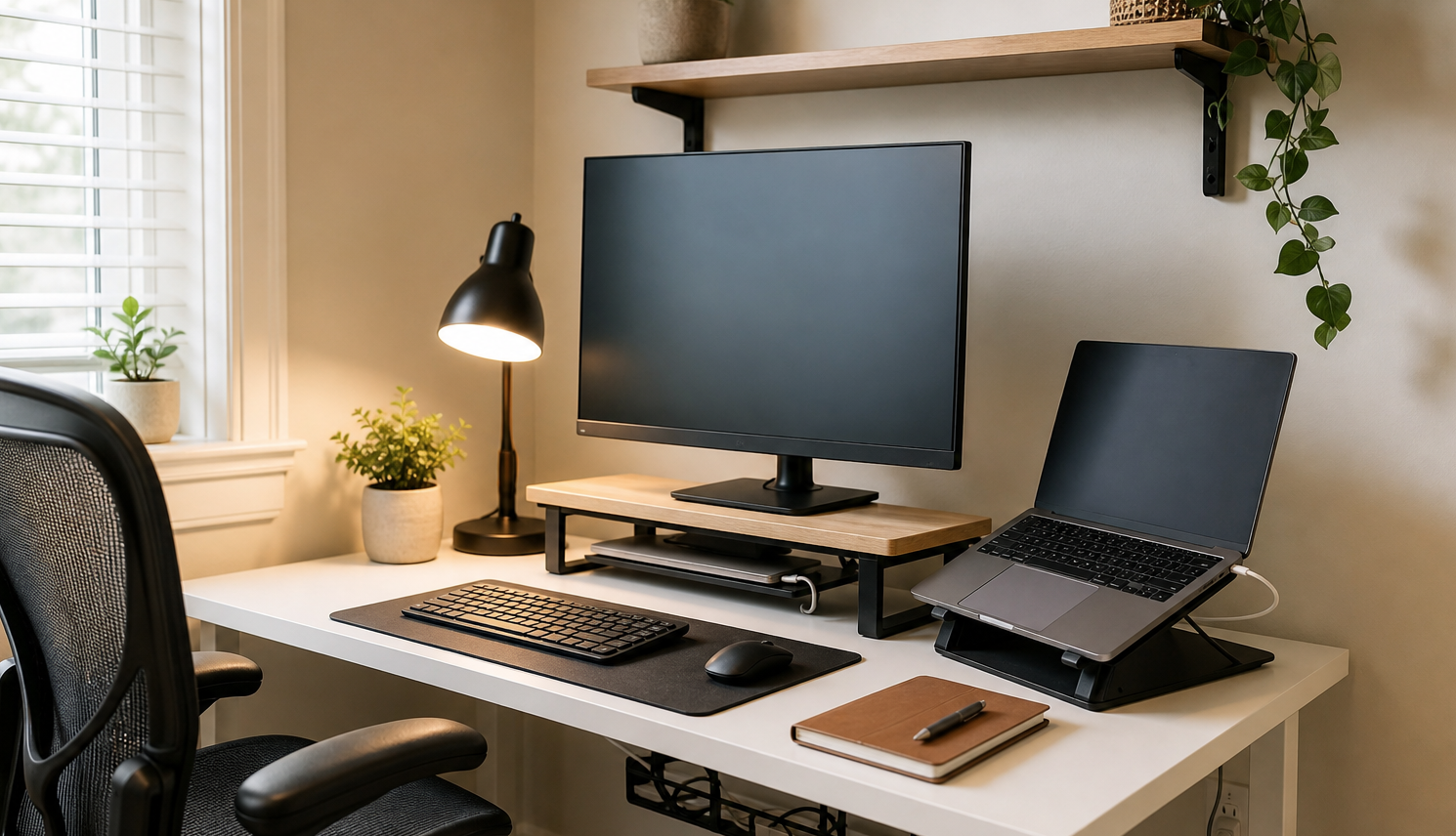
A monitor arm is better if you want maximum flexibility and a floating screen. It can free more desk surface than a stand. However, it needs a strong desk edge, proper clamp clearance, and more installation time. A monitor stand is easier, cheaper, and more renter-friendly.
For most small home offices, a monitor stand is the safer first upgrade. It gives you storage immediately and does not require tools. If you later upgrade to a monitor arm, you can still use the stand as a shelf, laptop platform, or printer riser.
Who should buy a monitor stand with storage?
- People with small desks and no built-in drawers.
- Remote workers who want a cleaner desk between meetings.
- Students who need space for a keyboard and notebook.
- Apartment dwellers who want a no-drill desk upgrade.
- Anyone improving posture before buying a new chair.
What not to buy
Avoid stands that are too narrow for your keyboard, too tall for your seating position, or too flimsy for your monitor. Also be careful with stands that have many tiny compartments. They look useful at first, but too many compartments can encourage more clutter instead of better organization.
FAQ
Is a monitor stand worth it for a small desk?
Yes, if your monitor sits too low or your keyboard and accessories are always in the way. A monitor stand adds vertical storage without taking much extra floor or desk space.
How tall should a monitor stand be?
The right height depends on your chair, desk, monitor, and posture. In general, the screen should feel comfortable without forcing you to look down or tilt your head back.
Is wood or metal better for a monitor stand?
Both can work. Wood often looks warmer and fits home offices well. Metal is usually slimmer and may feel more utilitarian. Stability matters more than material.
Can I use a monitor stand with a laptop?
Yes, but a dedicated laptop stand is usually better for lifting a laptop screen. A monitor stand works well when the laptop is closed, docked, or used beside an external monitor.
Should I buy a monitor stand or a cable tray first?
If your main problem is desktop clutter, start with a monitor stand. If the biggest mess is under the desk, start with a cable tray or read our guide to the best cable management box for messy desk cords.
Final recommendation
For most small desks, the best monitor stand with storage is a stable open-shelf riser that is wide enough for your keyboard and low enough to keep the monitor comfortable. Add a drawer only if you have small items you truly use every day. Keep the setup simple, route cables behind the stand, and connect it with a broader desk organization system.
Leave a Reply