Disclosure: This article contains one affiliate link. If you buy through it, Intuit Chaos may earn a commission at no extra cost to you.
A desk lamp can make a small home office more comfortable, but the best choice is not simply the brightest model. The lamp needs to fit your desk, direct light where you need it, and work with your screen and video-call setup. Use these practical checks before you buy.

For a product-by-product comparison, see our Best Desk Lamps for Video Calls and Eye Comfort.
1. Match the beam to the work you do
A wide, diffused beam works well for reading documents, writing notes, and lighting a shared work surface. A narrower adjustable head is useful when you need focused light on a keyboard or notebook. If you switch between tasks, choose a lamp with a movable arm or head so you can redirect the beam without moving the base.
2. Plan the lamp position for video calls
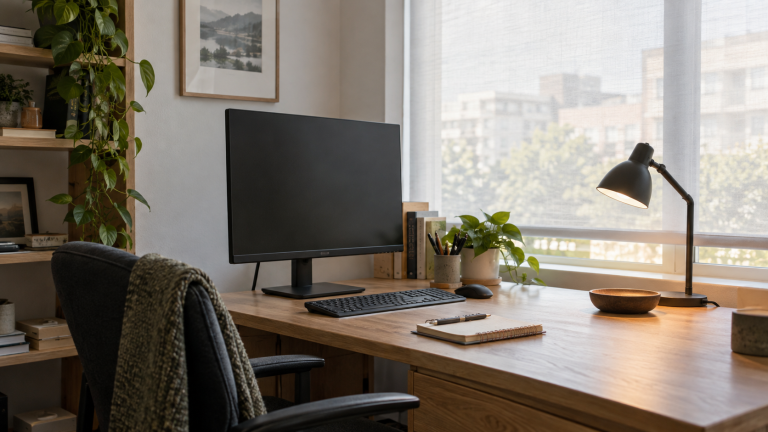
For video calls, place the lamp slightly in front of you and off to one side. This can brighten your face without shining directly into your eyes or reflecting in the monitor. A lamp placed behind you may make your face look darker, while a very low lamp can create distracting shadows. Before buying, test the intended position with another light source and check the result in your webcam preview.
3. Look for useful dimming and color controls
Room light and screen brightness change throughout the day, so adjustable brightness is usually more useful than one powerful setting. Warm light can feel comfortable for late work, while neutral or daylight-style light can make paper and small objects easier to see. Multiple color-temperature settings are helpful, but simple controls you will actually use matter more than a long feature list.
4. Protect valuable desk space
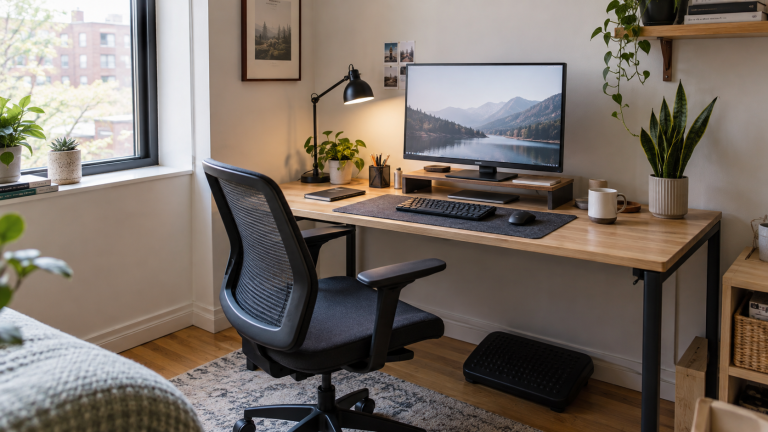
On a compact desk, compare the footprint of the base with the space beside your keyboard and monitor. A clamp lamp can free the work surface, but you should measure the desk edge and check that the clamp will not collide with drawers, a cable tray, or a wall. Also confirm that the arm reaches the center of the work area without blocking the monitor. For related small-space planning, see Best Desk Organization Products for Small Home Offices.
5. Check controls, power, and cable reach
Buttons should be easy to reach from your normal sitting position. Touch controls look tidy, but physical buttons can be easier to find in a dark room. Check whether the lamp uses a wall plug, USB power, or a separate adapter, and make sure its cable reaches the outlet without crossing a walkway. If a lamp includes a charging port, treat it as a convenience rather than the main reason to buy. A clear route also makes the lamp easier to live with; use these cable management ideas for a cleaner desk setup to plan where the cord will run.
6. Avoid glare before it becomes a daily problem
The light source should sit outside your direct line of sight. A shade, diffuser, or recessed light panel can reduce harsh glare. If you wear glasses, move the lamp higher and farther to the side, then adjust the angle until reflections disappear from your webcam image. Matte desk surfaces also tend to reflect less light than glossy ones.
Quick buying checklist
- Adjustable brightness for daytime and evening work.
- A head or arm that aims light away from the monitor.
- A base or clamp that fits the available space.
- Enough reach for your actual desk depth.
- Controls that are easy to use without interrupting work.
- A power cable that reaches safely and stays out of the way.
The right desk lamp supports the setup you already have. Measure first, test the likely position, and choose the controls that solve your everyday lighting problems instead of paying for features you may never use.
Optional shopping starting point: Browse desk lamps for video calls on Amazon.
Leave a Reply