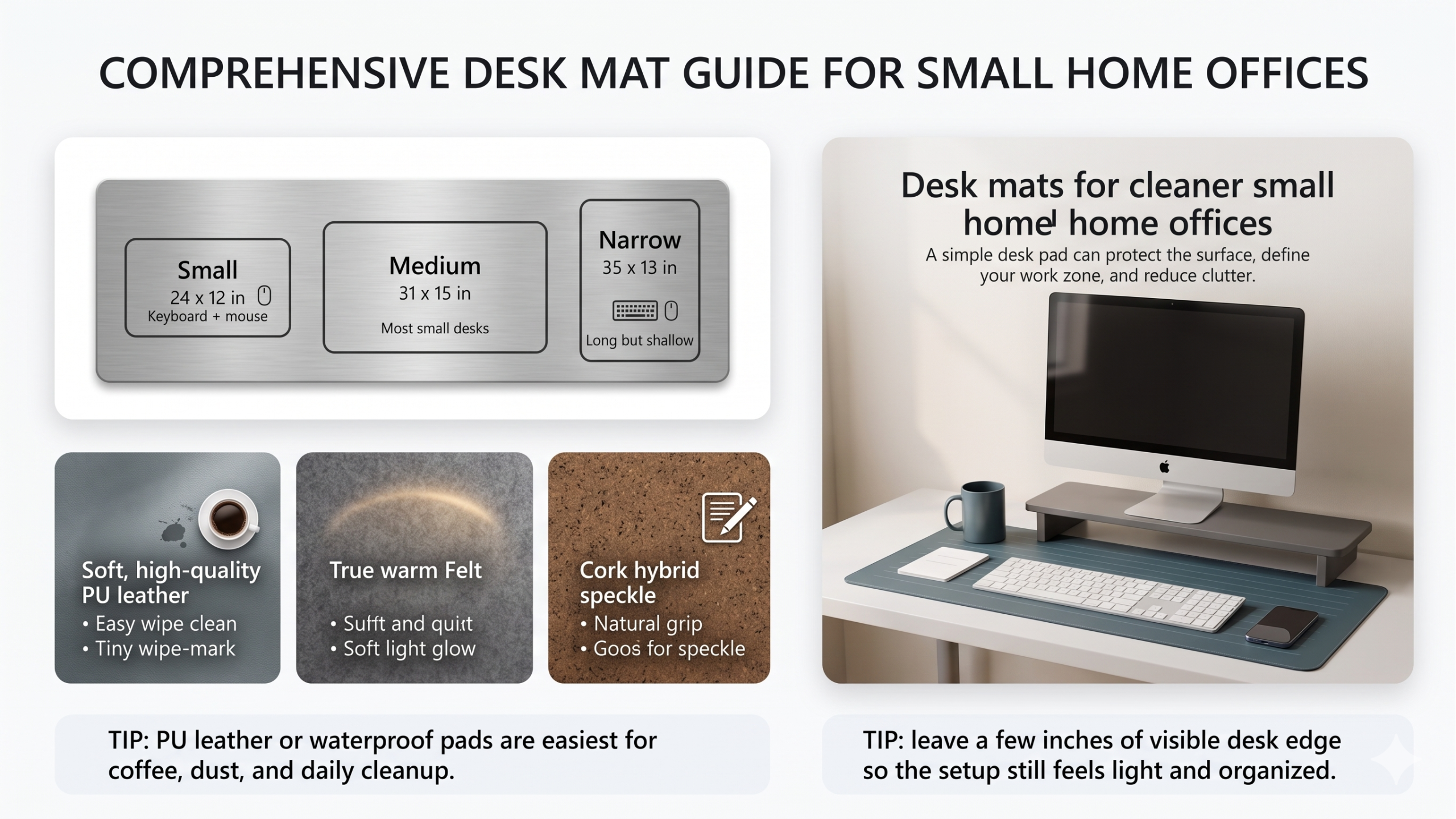
Find the best desk mat for small home offices with size tips, material comparisons, cleaning advice, surface protection, mouse control, and cleaner setup ideas.
A desk mat is one of the easiest upgrades for a small home office. It protects the desktop, gives your keyboard and mouse a defined work zone, makes the setup look cleaner, and can make daily writing or mouse movement feel smoother. The best desk mat for a small desk is not always the biggest one. It is the one that fits your layout without swallowing the whole surface.
Affiliate disclosure: As an Amazon Associate, I may earn from qualifying purchases. This does not change the price you pay, and it helps support Intuit Chaos.
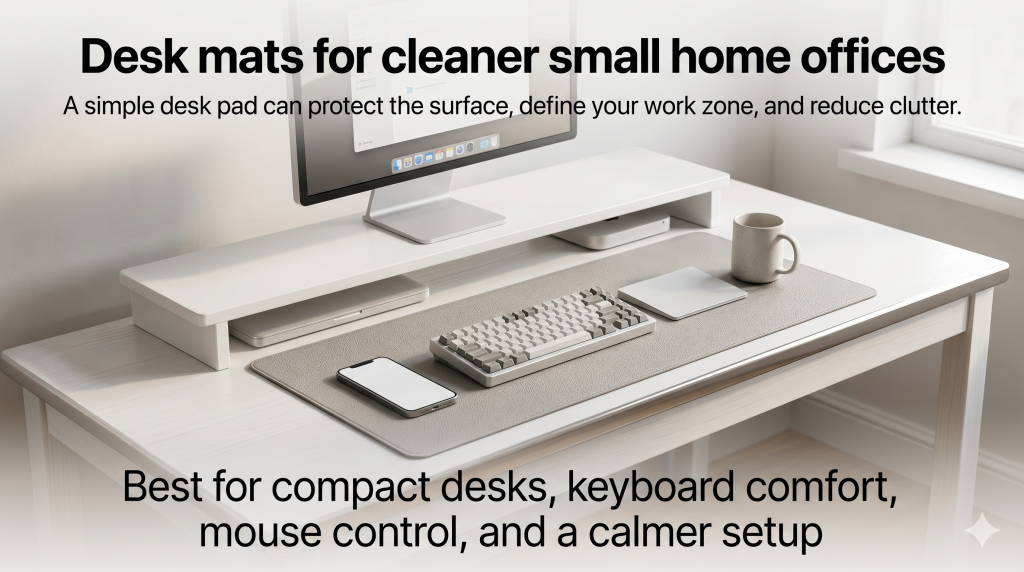
Quick Answer: What Desk Mat Should You Buy?
If you want a simple first pick, look for a waterproof PU leather desk mat in a medium size. It is easy to wipe clean, works with most optical mice, and usually looks neat in small spaces. If your desk is narrow, choose a shallow rectangular mat instead of a very large gaming-style pad.
| Need | Best desk mat type | Why it helps |
|---|---|---|
| Small desk | Medium desk mat or narrow desk pad | Gives structure without covering everything |
| Easy cleaning | Waterproof PU leather desk mat | Handles coffee drops, dust, and daily wipe-downs |
| Quiet typing | Felt desk mat | Softens sound and gives a warmer look |
| Mouse control | Non-slip desk pad | Keeps keyboard and mouse movement more stable |
For a broad starting point, you can compare desk mats for small desks on Amazon.
Why a Desk Mat Works So Well on a Small Desk
Small desks get messy quickly because every item competes for the same limited surface. A desk mat creates a visual boundary. Your keyboard, mouse, notebook, and daily tools stay inside one work zone, while the rest of the desk feels more open.
This is the same reason monitor stands and cable trays help a compact workspace. They do not simply add accessories; they give the setup structure. If you are building the full small-office cluster, start with the pillar guide: Best Desk Organization Products for Small Home Offices.
How to Choose the Right Desk Mat Size
The best size depends on your keyboard, mouse, and writing habits. A mat that is too small feels cramped. A mat that is too large can make a small desk look heavier than it needs to be.
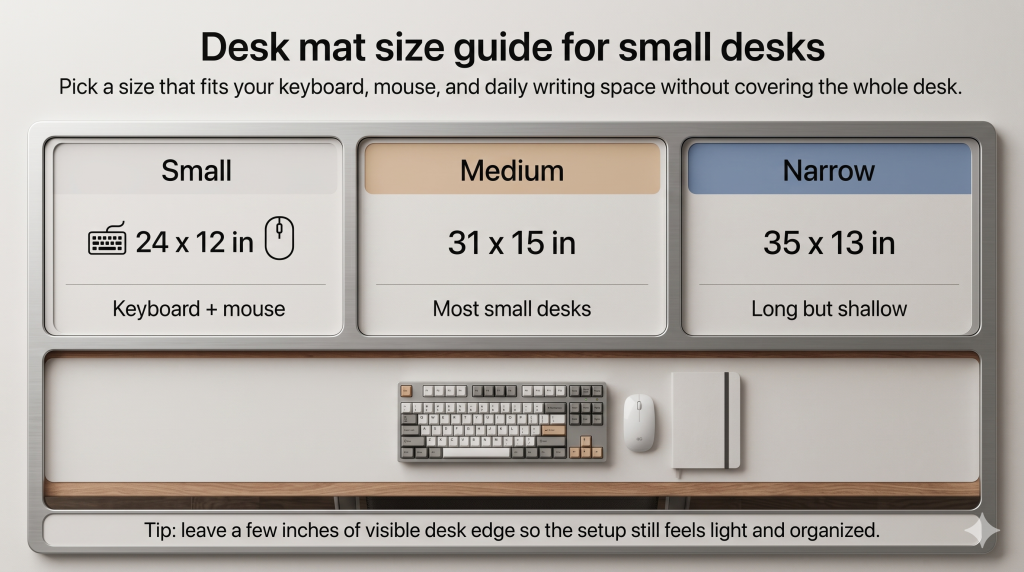
Small Desk Mat
A smaller mat is best if you use a compact keyboard, a laptop stand, or a very narrow desk. It keeps the mouse area organized without taking over the whole surface. This is a good choice for minimal setups where you still want a little protection and structure.
Medium Desk Mat
A medium desk mat is the safest all-around size for most home offices. It usually fits a keyboard and mouse with enough room for a small notebook or phone. If you are unsure, choose medium before going oversized.
Narrow Long Desk Mat
A narrow long desk mat is useful for shallow desks. It gives your keyboard and mouse a clean line across the desk while leaving space behind for a monitor stand or lamp. This can work especially well with the setup ideas in Best Monitor Stands With Storage for Small Desks.
Best Desk Mat Materials
Material matters because it changes how the desk feels every day. Some mats are best for easy cleaning. Some are better for writing. Others make typing quieter or give the desk a softer visual style.
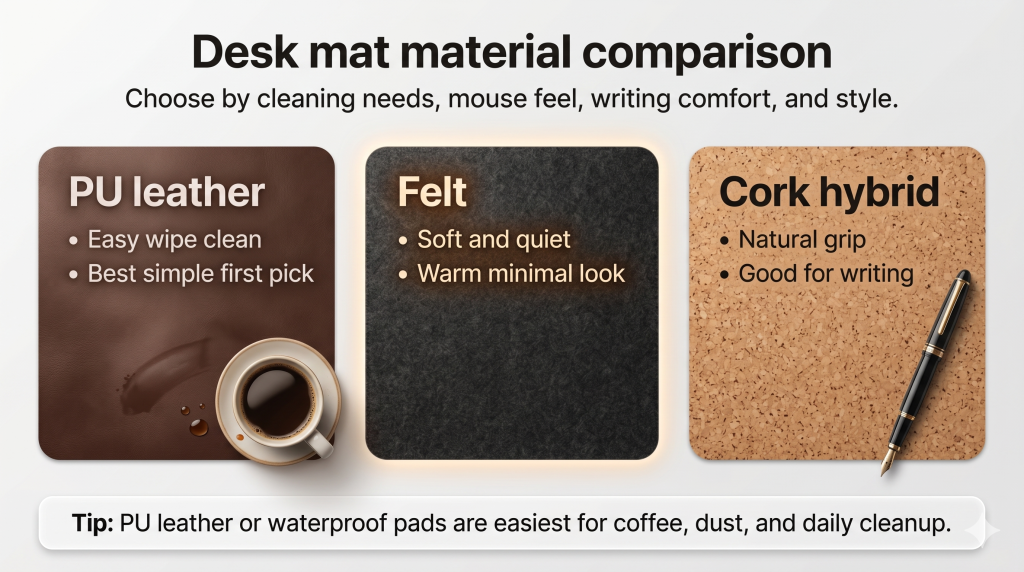
PU Leather Desk Mats
PU leather desk mats are popular because they are simple, affordable, and easy to clean. They are a practical first choice if you drink coffee at the desk or want something that can be wiped down quickly. Many also come in reversible colors.
You can browse waterproof desk pads on Amazon if easy cleanup is your top priority.
Felt Desk Mats
Felt desk mats feel softer and quieter. They can make a work area look warmer and more relaxed. The tradeoff is cleaning. Felt is not as simple to wipe down as waterproof materials, so it is better for desks that stay relatively dry and tidy.
If your setup has a minimal or cozy style, compare felt desk mats on Amazon.
Cork Hybrid Desk Mats
Cork hybrid mats can feel more natural and grippy. They often work well for writing because the surface has a little texture. They are a good fit if you want a warmer look without going fully fabric.
What Features Are Worth Paying For?
- Non-slip backing: Keeps the mat from moving when you type or use the mouse.
- Water resistance: Makes daily cleaning much easier.
- Stitched or finished edges: Helps the mat look better over time.
- Enough mouse space: Prevents the mouse from sliding off the usable area.
- Flat shipping or good packaging: Reduces curling at the edges.
- Low-glare surface: Helps the desk look calmer under a lamp.
If you use a full-size keyboard and a large mouse area, compare large desk mats for keyboard and mouse setups on Amazon.
Desk Mat Setup Tips for a Cleaner Workspace
Start by placing the desk mat where your hands naturally rest. Then center the keyboard on the mat and leave enough space for the mouse to move without hitting the edge. If your monitor stand has storage, let the mat stop before the stand so the surface still has layers.
Lighting also matters. A desk mat can look different under a warm lamp or cool lamp. If glare is a problem, position your lamp to the side and use a softer brightness. For that setup, see Best Desk Lamps for Video Calls and Eye Comfort.
Finally, keep cable paths outside the main mat area. A clean mat looks less useful if charging cables keep crossing it. For cable control, use Cable Management Ideas for a Cleaner Desk Setup or consider an Under Desk Cable Management Tray for Small Home Offices.
Common Mistakes to Avoid
- Buying too large: An oversized mat can make a small desk feel crowded.
- Ignoring cleaning: Felt looks great, but it is not ideal for every coffee-heavy desk.
- Choosing a glossy surface: Glossy mats can create distracting reflections under bright lights.
- Letting the mat curl: If the edges curl after shipping, flatten it before building the setup around it.
- Blocking storage: Do not cover drawer access, cable holes, or monitor stand storage.
FAQ
What size desk mat is best for a small home office?
A medium mat is best for most people because it fits a keyboard and mouse without covering the whole desk. For narrow desks, choose a long shallow mat instead of an oversized square pad.
Are desk mats worth it?
Yes, if you want a cleaner work zone, smoother mouse movement, and basic surface protection. A desk mat is a low-cost upgrade that can make a small workspace feel more intentional.
Is PU leather or felt better for a desk mat?
PU leather is better for easy cleaning. Felt is better for a softer, quieter, warmer-looking desk. If you eat or drink at your desk often, PU leather or a waterproof desk pad is usually safer.
Can a desk mat reduce clutter?
It can help by defining where your active work items belong. It will not replace storage, but it can make the desk easier to reset at the end of the day.
Final Thoughts
The best desk mat for small home offices should fit your actual desk, support your keyboard and mouse, and match how you clean and work. Start with a medium waterproof mat if you want the safest first choice. Choose felt for a softer look, or cork hybrid if you want a natural surface for writing.
For the full workspace path, continue with Best Desk Organization Products for Small Home Offices and Top 10 Home Office and Smart Home Upgrades for 2026.
Leave a Reply