Disclosure: As an Amazon Associate I earn from qualifying purchases. This article contains an affiliate link, which may earn us a commission at no extra cost to you.
The right desk depth is the depth that lets you keep the screen readable while your head and torso stay upright, your keyboard remains close, and the monitor stand does not push everything forward. For many setups, 24 inches is workable, but there is no universal number: monitor size, stand footprint, mounting method, keyboard depth, and your comfortable viewing distance all change the answer.
OSHA generally describes a preferred eye-to-screen viewing distance of 20 to 40 inches (50 to 100 cm). That is a viewing-distance range, not a rule that every desk must be 20 to 40 inches deep. Your eyes sit behind the desk edge, while the monitor screen may sit forward from the wall. Measure the complete setup instead of equating desk depth with viewing distance.
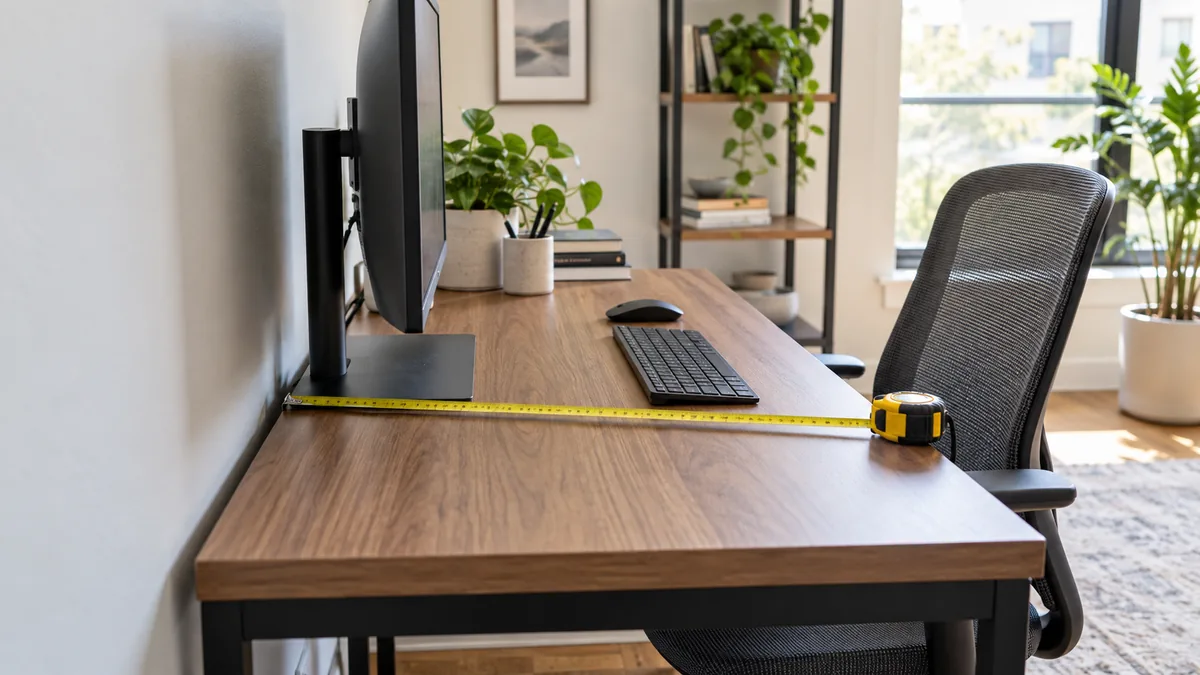
Quick Desk-Depth Guide
| Desk depth | Usually works best for | What to check |
|---|---|---|
| 18-20 inches | Laptop-only work, compact monitor on an arm, temporary workstation | Keyboard space, screen distance, wall clearance, arm clamp |
| 22-24 inches | Common small-desk setup with a 24- or 27-inch display | Stand footprint and whether the keyboard feels crowded |
| 27-30 inches | Larger monitors, paperwork, deep stands, mixed screen-and-writing work | Room clearance and whether items become hard to reach |
| More than 30 inches | Large displays, studio equipment, deep accessories, flexible work zones | Reach to controls and available floor space |
These ranges are planning categories, not ergonomic guarantees. Start with your equipment and body position, then test the layout with cardboard or painter’s tape before buying furniture.
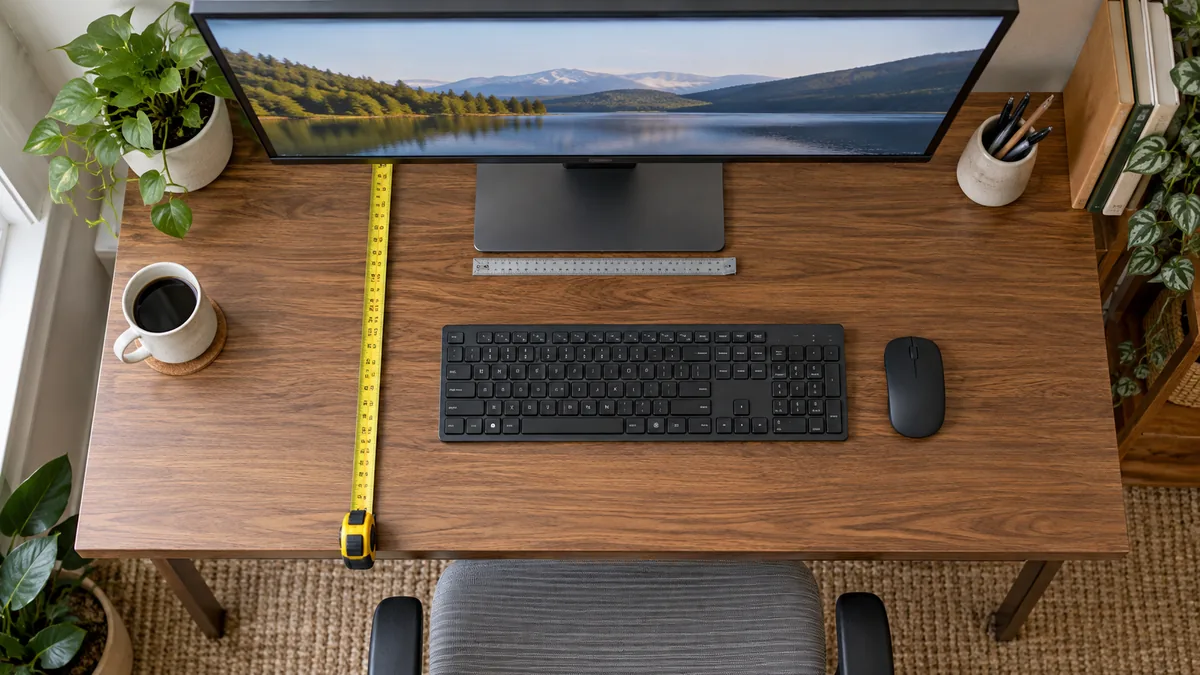
Measure the Setup in Five Parts
1. Find your comfortable viewing distance
Sit with your back supported and place the screen directly in front of you. Move it until normal text is easy to read without leaning forward or pushing your head back. Increase text scaling before moving an otherwise comfortable monitor too close. Record the distance from your eyes to the front surface of the screen.
2. Measure the monitor’s real depth
Measure from the back of the stand to the front surface of the display. Manufacturer dimensions may include the stand, but confirm the exact configuration you will use. A shallow panel can still have a deep V-shaped base that consumes much of a small desk.
3. Reserve keyboard and wrist space
Place the keyboard where your elbows can remain close to your sides. Leave only the front-edge space you actually use; a large unused area in front of the keyboard can force you to reach. If you use a wrist or palm rest, include its full depth.
4. Include the wall and cable bend
A monitor cannot always sit flush against a wall. Power, HDMI, DisplayPort, and USB-C connectors need room to bend without being crushed. An arm also needs rear clearance as it moves. Include the cable route in the measurement.
5. Test chair position and room clearance
A deeper desk uses more than its published depth. Add room for the chair, standing up, opening a nearby door, and walking behind the seat. A desk that fits the wall can still make the room unusable.
How Monitor Size Changes Desk Depth
Screen size alone does not dictate distance, but larger displays can require more comfortable viewing space and may come with deeper stands. Resolution and text scaling also matter. A 27-inch monitor with a compact base may fit a shallow desk better than a 24-inch monitor with a deep stand.
If you have not chosen the display yet, use our monitor-size guide for a small desk to compare 24-, 27-, and 32-inch options. Then return to this measurement process using the exact stand dimensions.
Monitor Stand vs Monitor Arm on a Shallow Desk
A monitor arm can recover usable depth by moving the original base off the desktop, but it does not make every shallow desk suitable. The clamp needs a compatible edge, enough space below the top, and material strong enough for concentrated loading. The arm may also need space behind the desk when retracted.
A compact monitor stand is simpler and can add storage underneath. It may be a better choice when the desk cannot accept a clamp. Compare both formats in our monitor arm vs monitor stand guide.
What to Do When the Desk Is Too Shallow
- Increase text scaling. Improve readability before moving the screen closer.
- Replace a deep factory stand. A compatible arm or shallower VESA stand may recover depth.
- Pull the desk slightly away from the wall. This can create space for the rear of the display or arm, if the room allows.
- Use a corner. OSHA notes that a corner work surface can provide more depth than a straight run.
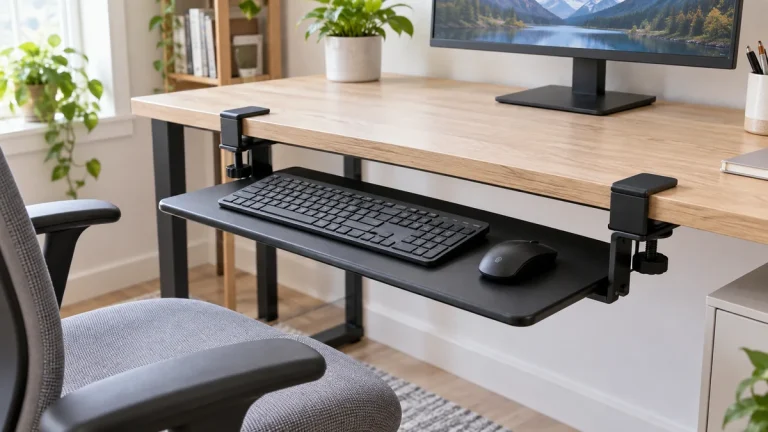
- Use a keyboard tray carefully. A tray can move the keyboard closer to you, but it must preserve knee clearance and a comfortable height.
- Choose a smaller or shallower display setup. Do not force a large monitor onto furniture that cannot provide a comfortable arrangement.
Common Measurement Mistakes
- Using the diagonal screen size as if it were the monitor’s depth.
- Reading product dimensions but ignoring the stand footprint.
- Forgetting the keyboard, palm rest, notebook, or drawing tablet.
- Measuring from the desk edge instead of from the seated eye position.
- Pushing cables tightly against a wall.
- Assuming a monitor arm always saves depth when it may extend behind the desk.
- Buying by a single recommended number without testing readability and posture.
A Simple Cardboard Test
Mark the proposed desk rectangle on the floor or an existing table. Cut a paper rectangle matching the monitor base and place a box at the expected screen position. Add the keyboard, mouse, notebook, and lamp. Sit in the intended chair and check whether you can read, type, write, and stand up without moving equipment. This ten-minute test catches more problems than comparing desk dimensions in isolation.
Practical Recommendation
For a typical single-monitor small office, begin your search around 22 to 24 inches of depth, then increase or decrease based on the actual screen, stand, keyboard, and room. Choose the shallowest desk that still supports a comfortable viewing distance and neutral working position. A smaller room does not make a cramped workstation a good trade.
To compare compact options after measuring, browse small home-office desks on Amazon. Confirm the assembled depth, leg clearance, weight capacity, and return terms on the current listing.
Related Guides
- How to choose a monitor stand for a small desk
- Monitor stands with storage for small desks
- Cable-management basics for home offices
Leave a Reply