Disclosure: This article contains one paid Amazon link. If you buy through it, Intuit Chaos may earn a commission at no extra cost to you.
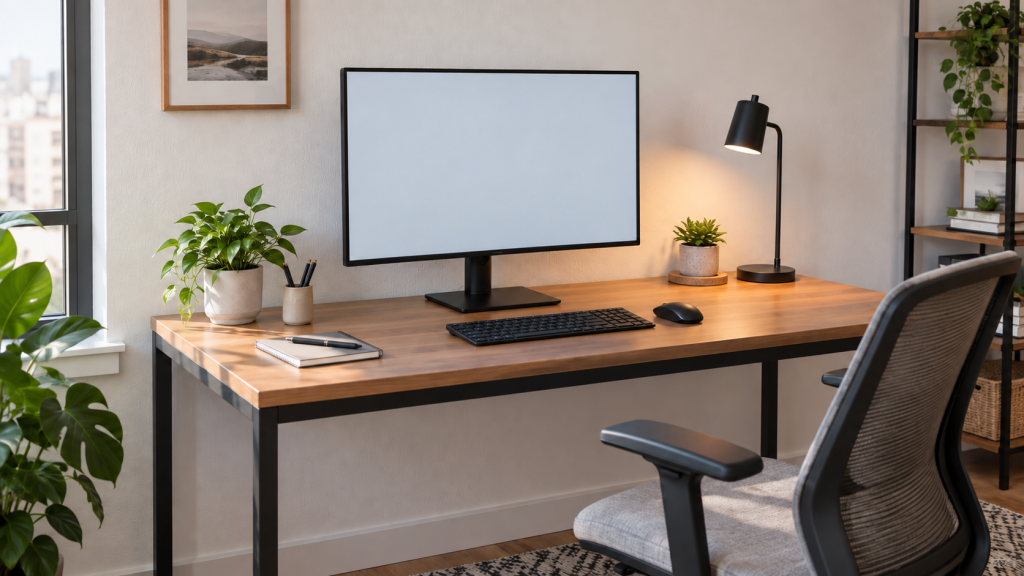
For most small desks, a 24-inch or 27-inch monitor is the practical choice. A 24-inch screen protects desk depth and leaves room for speakers, a lamp, or a laptop. A 27-inch screen gives you more working area without overwhelming many compact desks, especially when paired with a slim stand or monitor arm. A 32-inch screen can work, but it usually needs more viewing distance, more desk depth, and careful placement.
Quick answer: 24, 27, or 32 inches?
| Monitor size | Usually suits | Main advantage | Main tradeoff |
|---|---|---|---|
| 24 inches | Shallow desks, shared rooms, basic office work | Compact footprint and comfortable full-screen view | Less room for side-by-side windows |
| 27 inches | Most small home offices | Balanced workspace for documents and multitasking | Stand depth matters on a shallow desk |
| 32 inches | Deeper desks, detailed creative work, one-screen setups | Large canvas and easier window arrangement | Can dominate the desk and sit too close |
Screen size alone does not determine comfort. Desk depth, viewing distance, resolution, stand footprint, text scaling, and the work you do are equally important. Measure the setup rather than choosing the largest panel that fits between two walls.
Measure your desk before choosing the monitor
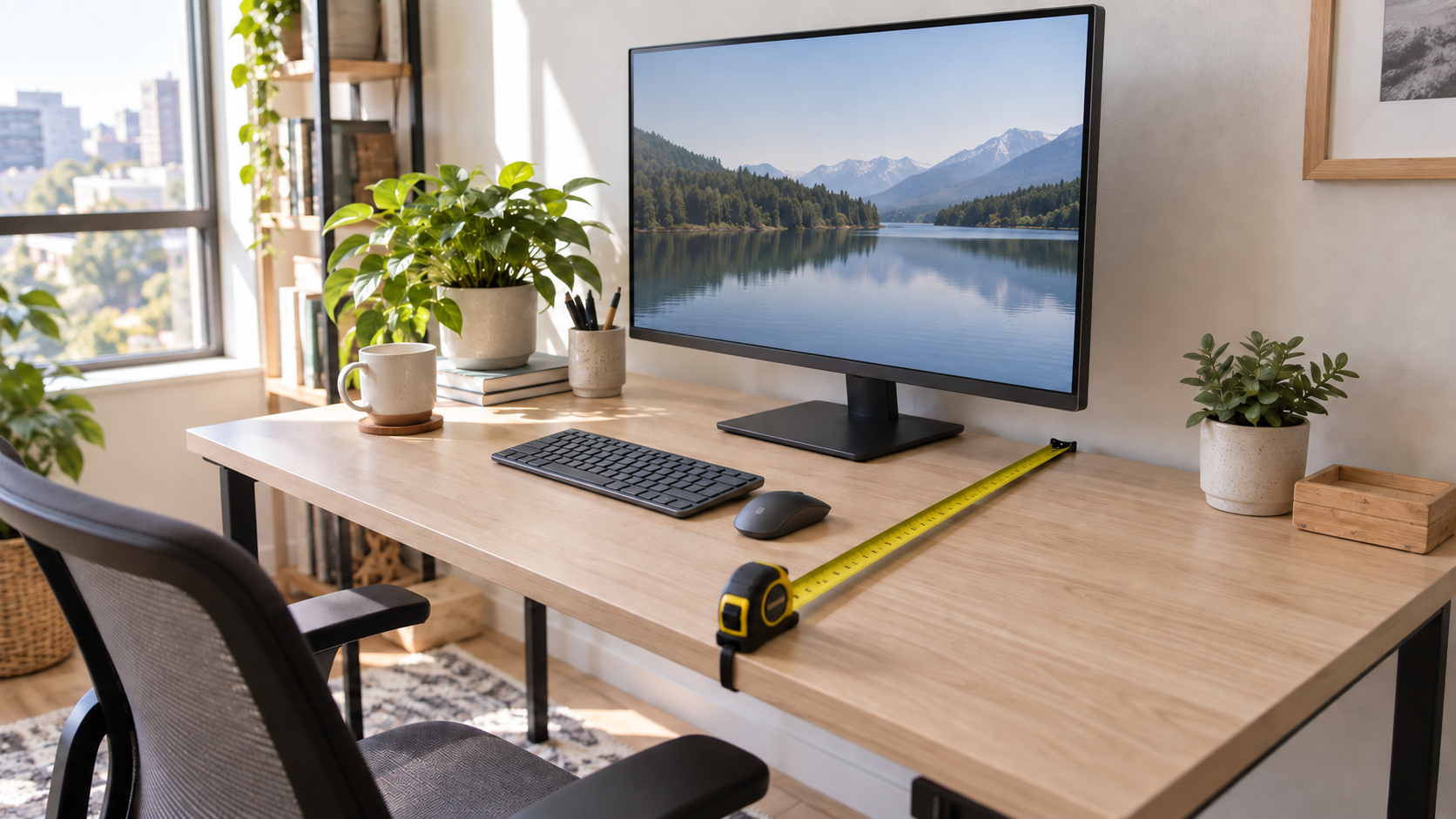
Start with usable desk width and depth. Usable space is what remains after accounting for a lamp, speakers, laptop, wall clearance, and anything else that must stay on the surface. Measure the monitor stand as well as the panel. A compact display with a deep V-shaped base may take more working space than a larger display on a shallow rectangular stand.
Next, sit in your normal working position and measure from your eyes to the expected screen surface. OSHA’s computer workstation guidance gives a general preferred viewing-distance range of 20 to 40 inches (50 to 100 cm), while emphasizing that text should be readable without leaning forward. Treat that as a setup range, not a promise that every screen size will feel right at every point within it.
When a 24-inch monitor is the best fit
A 24-inch monitor is a sensible choice for a shallow desk, a bedroom workstation, or a table that must serve more than one purpose. It is easier to view at a shorter distance and leaves more visual breathing room around the screen. It also pairs well with a laptop placed beside it without turning the setup into a wall of displays.
Full HD resolution is common at this size and can be adequate for general office work. Higher-resolution 24-inch models can make text and interface elements look sharper, but operating-system scaling and app support affect the experience. Choose connection ports and adjustability based on your computer and routine rather than assuming resolution is the only specification that matters.
Why 27 inches is the balanced small-desk choice
A 27-inch monitor usually offers the most useful middle ground. It has enough room for two documents, a browser beside a notes app, or a wider timeline, yet it remains manageable on many desks around 48 inches wide. For office and creative work, 2560 x 1440 resolution is a common pairing that provides more workspace than Full HD without requiring the same scaling decisions as a very high-resolution panel.
The catch is depth. A large stand can push a 27-inch screen toward the front edge. If your desk is shallow, compare stand dimensions carefully or consider a compatible arm. Our guide to choosing a monitor stand for a small desk covers height, stability, and clearance.
When a 32-inch monitor can work
A 32-inch display is useful when you want one large canvas for spreadsheets, editing, design, or several windows. On a compact desk, however, it can fill much of your visual field and leave little room for a laptop, lamp, or speakers. The larger panel also makes low pixel density easier to notice at close range, so many shoppers consider 4K models at this size.
Choose 32 inches only after confirming a comfortable viewing distance and a mounting plan. A corner desk may provide more depth than a straight desk. A monitor arm may reclaim surface area, but the desk edge, thickness, load capacity, wall clearance, and clamp position must all be compatible.
Resolution changes how each size feels
Resolution controls how much detail the panel can show, while scaling controls the apparent size of text and interface elements. A higher resolution can provide sharper text and more working space, but tiny default text is not useful if you must lean toward the screen. Check how your operating system handles scaling and whether your most-used applications behave correctly.
- 24-inch Full HD: straightforward for general work and often budget-friendly.
- 24-inch or 27-inch 1440p: more workspace and sharper detail for many office setups.
- 27-inch or 32-inch 4K: high detail with scaling often needed for comfortable text.
These are common combinations, not strict rules. Panel quality, operating-system support, ports, refresh rate, and your eyesight can matter more than a neat size-and-resolution formula.
Stand footprint, monitor arms, and storage
The base is part of the monitor’s size. Check its width and front-to-back depth, then mark that footprint on the desk with removable tape. Make sure the keyboard can sit at a comfortable distance from the front edge and that the mouse has room to move.
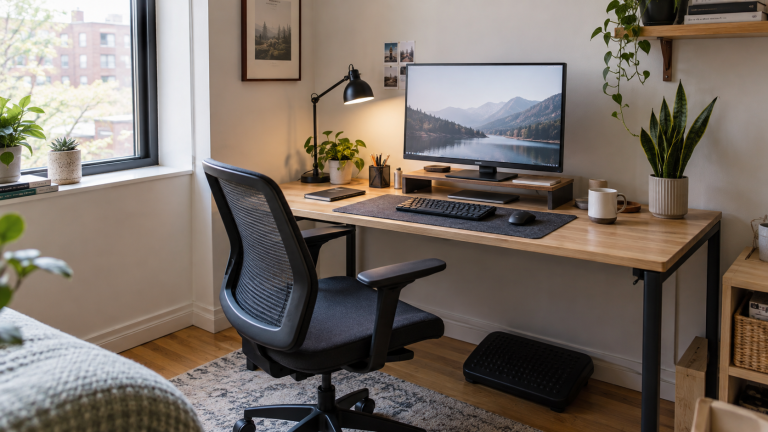
A riser with open storage may be useful when the screen is too low and the keyboard needs a parking place. See our guide to monitor stands with storage. If you use a laptop as a second screen, a dedicated laptop stand for a small desk can align the displays without taking over the center of the workspace.
Match the monitor to the work
- Email, writing, and web work: 24 inches may be all you need.
- Documents side by side: 27 inches usually provides a more comfortable split view.
- Large spreadsheets or creative timelines: 27 or 32 inches can reduce window switching.
- Video calls: leave room for the camera, light, and a screen position that does not force you to look sideways.
- Gaming: consider refresh rate, response behavior, graphics performance, and viewing distance in addition to size.
A clean setup also needs a plan for charging and display cables. Our home-office cable management guide provides a simple sequence for routing them.
Common mistakes to avoid
- Buying by diagonal size alone: stand depth and bezel width affect the real fit.
- Ignoring viewing distance: a screen that fits the surface may still sit too close.
- Choosing low resolution on a very large screen: text may look less refined at close range.
- Placing the monitor off-center: your main screen should normally sit directly in front of you.
- Raising the screen too high: the top of the screen should generally be at or slightly below eye level.
- Forgetting ports: confirm the computer, dock, and monitor share compatible connections.
Small-desk monitor checklist
- Measure usable desk width and depth.
- Check the stand footprint, not only the screen dimensions.
- Confirm a comfortable eye-to-screen distance.
- Choose resolution and scaling for readable text.
- Check height, tilt, and mounting options.
- Confirm ports and cable access.
- Leave room for the keyboard, mouse, lamp, and anything used daily.
Frequently asked questions
Is 27 inches too big for a small desk?
Not necessarily. It often works well when the desk has enough depth and the stand does not push the screen forward. Measure the real viewing distance and reserve space for the keyboard and mouse before buying.
Is a 24-inch monitor large enough for working from home?
Yes for writing, email, browsing, meetings, and many office tasks. People who keep several detailed windows visible at once may prefer 27 inches or a second screen.
Should I buy a 32-inch monitor for spreadsheets?
It can be helpful for large sheets, but a 27-inch high-resolution monitor may provide enough workspace with a better fit. Compare usable screen area, scaling, viewing distance, and desk depth.
Does a monitor arm make a large screen suitable for any desk?
No. An arm can free surface space, but the panel still needs a comfortable distance and the desk must support the mount and load. Check the desk edge, thickness, wall clearance, arm rating, and VESA compatibility.
Final recommendation
Choose 24 inches when space and simplicity matter most. Choose 27 inches for the strongest balance of workspace and compact-desk fit. Move to 32 inches only when you have confirmed the viewing distance, resolution, and mounting plan. The best monitor size for a small desk is the one you can view comfortably while keeping the rest of the workstation usable.
Leave a Reply