As an Amazon Associate I earn from qualifying purchases.
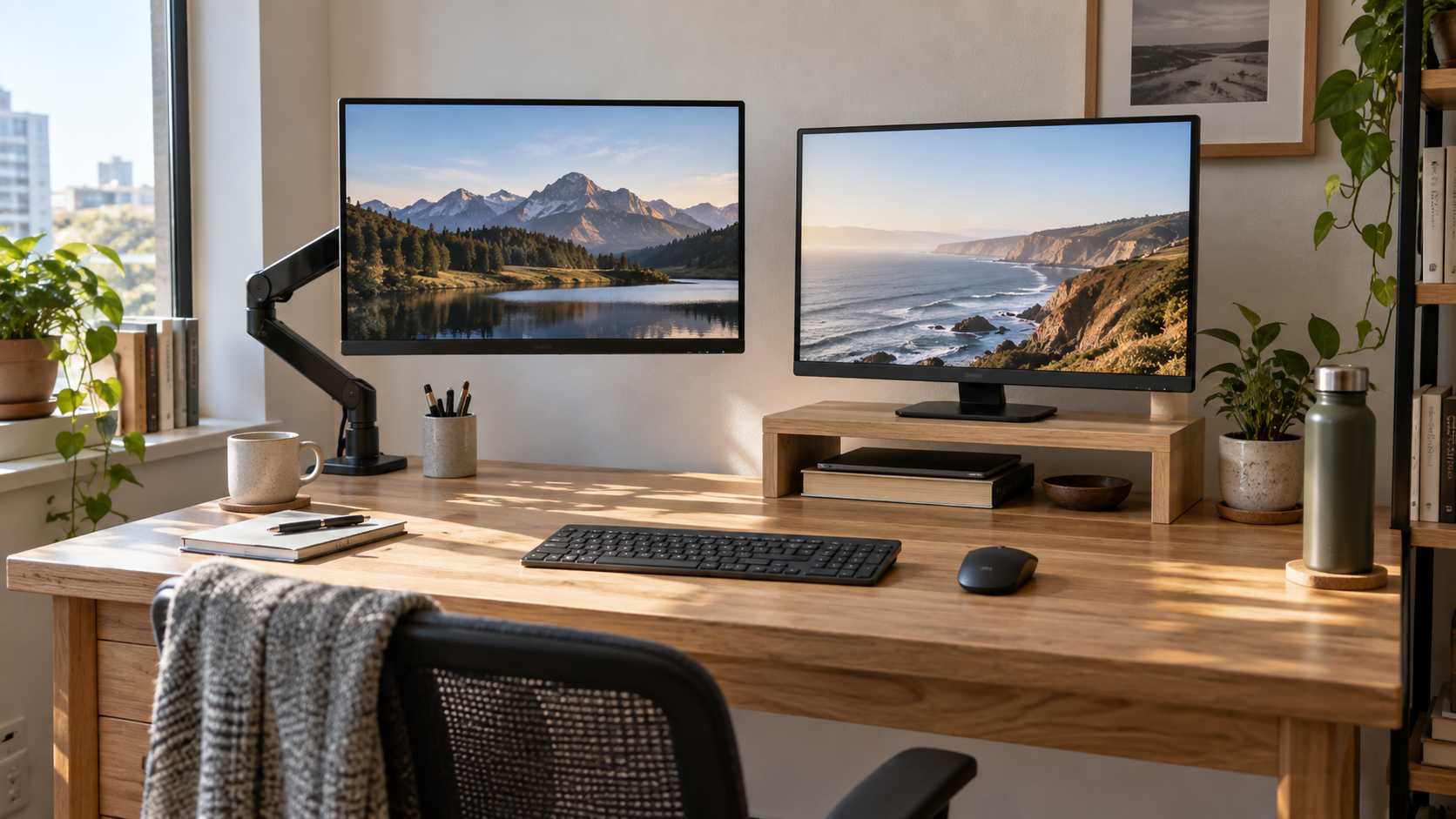
On a small desk, a monitor arm and a monitor stand solve different problems. An arm can lift a compatible display off the surface and make the area below it easier to use. A stand keeps the monitor on the desktop but can add a useful shelf and requires fewer compatibility checks. The better choice depends on your desk edge, monitor, working depth, and how often you change position.
This comparison is about practical fit in a compact home office, not a claim that one format is best for every setup.
Quick answer: choose by the space you need to protect
- Choose a monitor arm when you need more clear desk surface and your desk edge and monitor both support the mount.
- Choose a monitor stand when you want a simple, stable shelf for a monitor and small items without clamping hardware to the desk.
- Choose neither until you have checked monitor weight, desk thickness, wall clearance, and the space behind the screen.
Both can create a cleaner setup. The useful distinction is where the hardware takes up room: an arm uses a clamp at the edge and space behind the display, while a stand uses part of the desktop directly beneath the monitor.
How each option changes your usable desk space
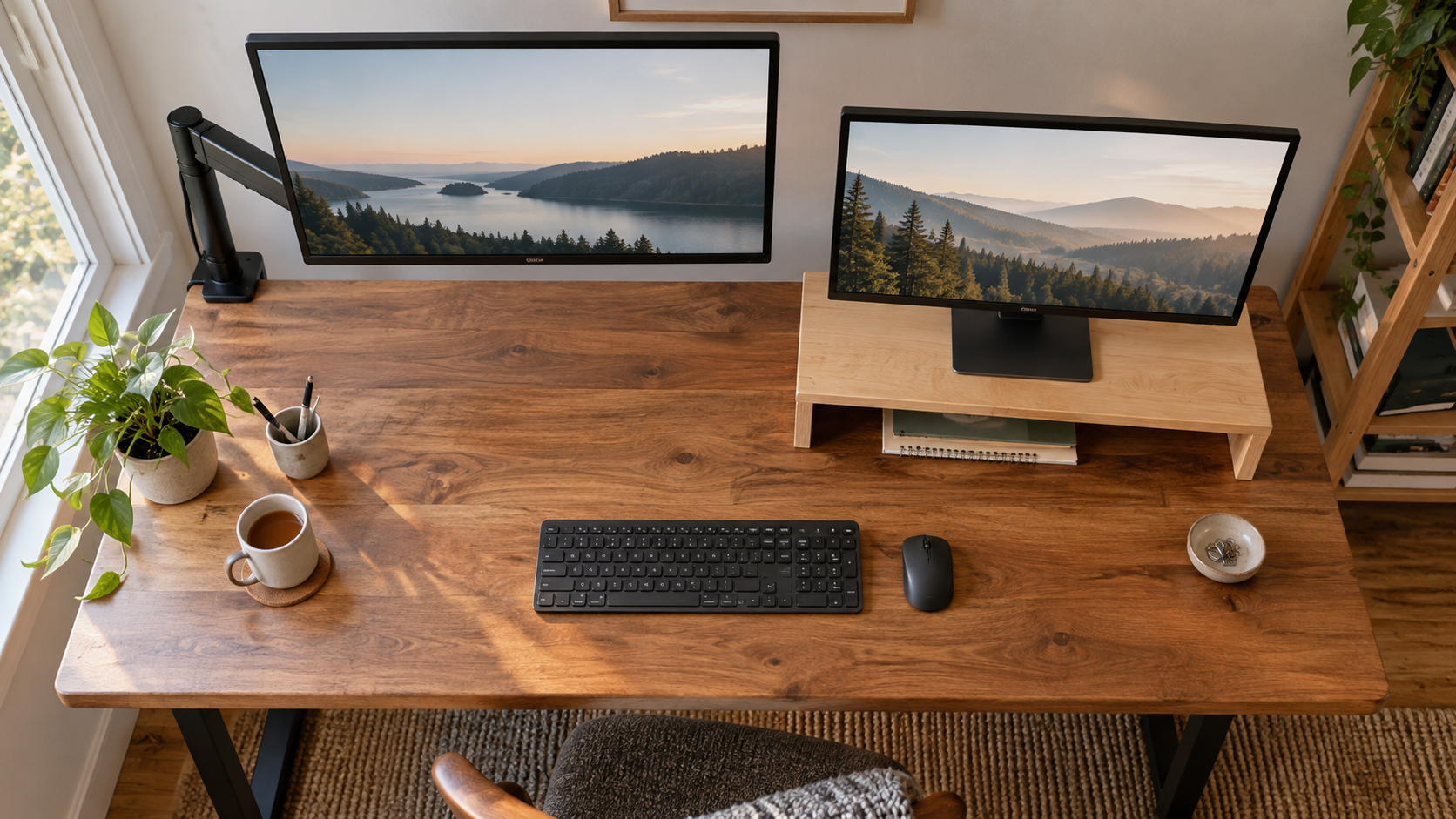
A clamp-on arm often clears the central area below the monitor. That can be valuable on a shallow desk where a notebook, keyboard, or charging dock already competes for room. The clamp still needs a flat, accessible edge, so it may conflict with a back panel, cable tray, or a desktop that sits tight against a wall.
A monitor stand occupies a fixed rectangle on the surface. In exchange, many stands create a shelf below the screen for a keyboard, notebook, or small accessories. That is useful when you prefer visible, easy-to-reach storage and do not want a moving arm. Our guide to monitor stands with storage for small desks shows how that shelf changes the layout.
Check compatibility before considering appearance
A monitor arm needs a compatible mount pattern on the back of the display, usually described in the monitor manual or product specifications. It also needs a rated capacity that covers the monitor’s weight and a desk edge that fits the clamp or grommet mount. Do not assume a light-looking display is compatible, and do not tighten a clamp onto a fragile glass surface or unsupported desk section.
A monitor stand has fewer moving parts, but it still needs a stable top surface, a base wide enough for the monitor, and enough vertical clearance for comfortable viewing. Measure the stand’s width and depth against your desk before ordering. For a focused list of checks, see how to choose a monitor stand for a small desk.
Adjustability versus simplicity
An arm is usually easier to reposition for height, distance, angle, and occasionally portrait orientation. That flexibility is helpful when you switch between tasks, share the desk, or change between seated and standing work. It also means there are more settings to check: tension, monitor balance, cable slack, and clearance from a wall or shelf.
A stand is simpler. Once the monitor is centered and the stand is stable, there is little to adjust. This can be a benefit in a shared or low-maintenance setup. The tradeoff is that moving the screen later may mean moving the entire base and the items stored below it.
Match the choice to your desk depth and work style
On a very shallow desk, an arm can be useful because it lets you fine-tune screen distance without giving up the area beneath it. On a deeper desk with room for a compact shelf, a stand can turn unused vertical space into storage. Check your monitor size first: a large screen can dominate a small surface regardless of how it is mounted. Our small desk monitor size guide can help you decide whether the display itself is the limiting factor.
Think about how you work, too. An arm suits a setup that changes frequently or needs a clear desktop for writing. A stand suits a predictable setup where a shelf for a keyboard or notebook is more useful than a floating screen.
Plan cable routing at the same time
Neither option solves cable clutter by itself. With an arm, leave enough slack for the display to move through its full range without pulling a connector. With a stand, make sure cables do not bunch behind the shelf or prevent the monitor from sitting flat. A simple cable route is easier to clean and adjust later; start with the approach in our cable management basics guide.
A five-minute decision checklist
- Does the monitor support the mount pattern required by the arm?
- Is the desk edge flat, strong, and accessible for a clamp?
- Would a stand’s shelf solve a real storage problem, or simply occupy space?
- Do you need to move the screen often, or do you prefer a fixed setup?
- Can cables move freely and remain reachable for changes?
Which one saves more space?
A monitor arm generally saves more desktop surface when it fits your desk and monitor. A monitor stand can save more organizational space when you can use the shelf beneath it. Measure your particular desk, then choose the format that removes the real bottleneck in your work area rather than the one that merely looks smaller in a product photo.
Ready to compare compatible mounting options? Browse monitor arms for small desks on Amazon.