As an Amazon Associate I earn from qualifying purchases.
Screen glare is one of those home office problems that can make a perfectly good monitor feel difficult to use. The practical fix is usually not a new display. Start by identifying the light source, then adjust the desk, monitor, and window treatment so bright light is not bouncing straight into your eyes or off the screen.
This guide explains how to reduce screen glare in a home office with changes that work in a small apartment, a spare room, or a shared workspace. Try the free adjustments first. Accessories only make sense after the layout is doing its job.
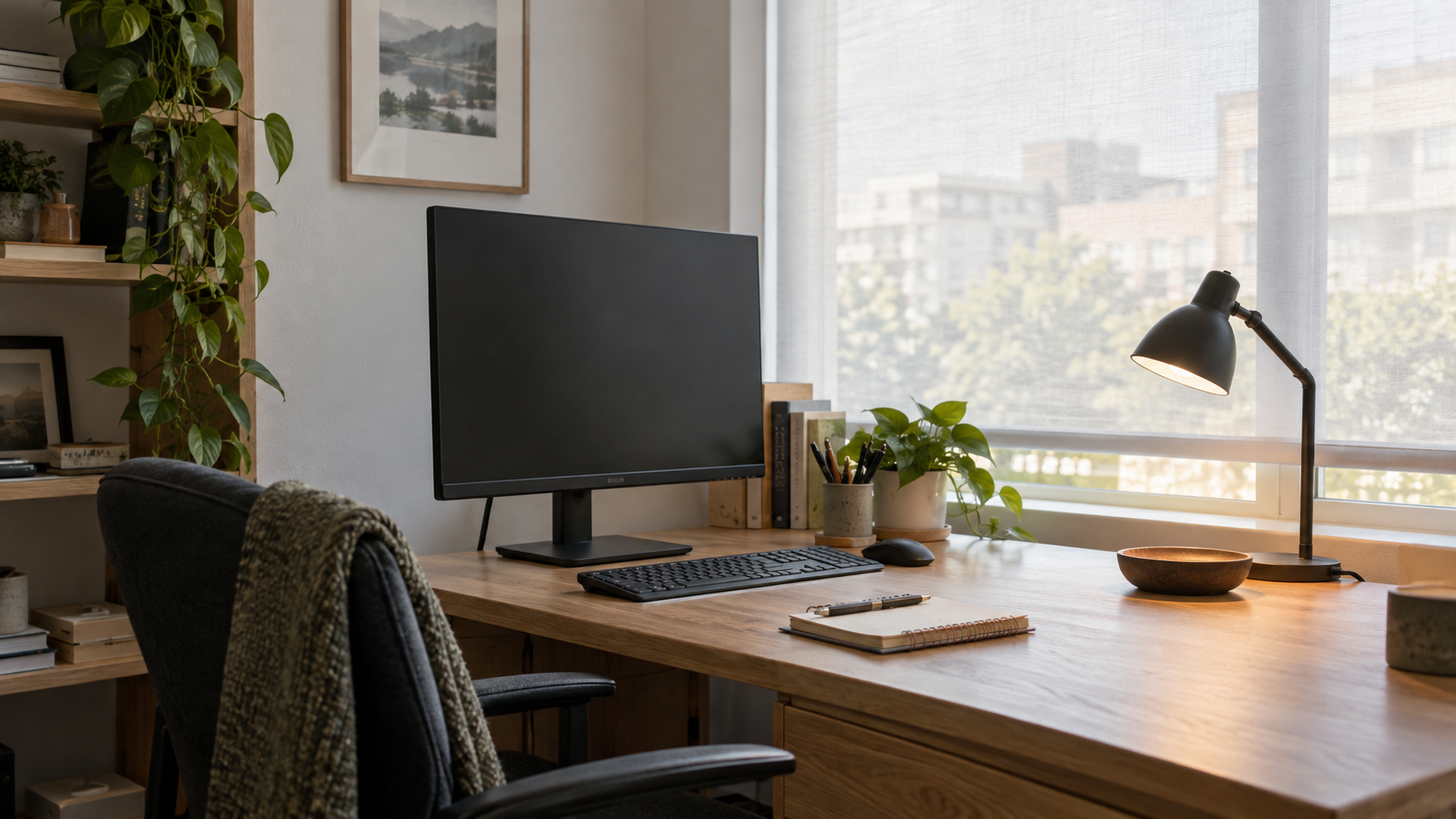
First, work out where the glare is coming from
Look at the screen while the room is in its normal working state. Is the bright patch coming from the window behind you, the window in front of you, an overhead ceiling fixture, or a desk lamp? Each source needs a slightly different correction. A bright reflection that moves when you move your head is usually a surface reflection. A screen that feels washed out across the whole panel may simply be facing a much brighter part of the room.
Do this check at the time of day when the problem is worst. Morning and late-afternoon sun can behave very differently, especially in a room with one exposed window.
1. Put the desk at a right angle to the window
The most useful starting point is to place the monitor so it is roughly perpendicular to the window. In plain language, daylight should arrive from the side. A screen that faces straight toward a window competes with a bright background; a screen with its back to the window can reflect the window directly toward you.
You may not be able to rotate the whole desk. In that case, move the monitor toward one end of the desk and angle it slightly. Even a small change can shift a reflection out of your direct view. If you are deciding how a screen will fit on a compact surface, our guide to monitor size for a small desk can help you leave enough room to make those adjustments.
2. Adjust the monitor angle before raising the brightness
Once the desk is in a better position, tilt the display a few degrees up or down and look at the reflection again. The goal is not a dramatic angle. You want a view that feels natural while moving the reflected light away from your line of sight.
Height matters too. A monitor that sits too low can catch a ceiling light; one that sits unusually high can pick up a window reflection. A stable stand or arm can make these small position changes easier. Compare the two approaches in monitor arm vs. monitor stand for a small desk before adding hardware.
3. Diffuse daylight instead of blocking every bit of it
A sheer curtain, light-filtering roller shade, or adjustable blind can soften direct sun while keeping the room pleasant to work in. The useful setting is often partially closed, not fully dark. Diffused light lowers the contrast between the window and the screen without making the room feel cave-like.
If sun hits the screen only during a short period, use the smallest adjustment that solves that period. A movable shade or tilt-able blind gives you more flexibility than permanently covering the window. Keep an eye on the reflective surfaces nearby too: a glossy white desk, glass frame, or polished cabinet can throw a secondary highlight at the monitor.
4. Aim task lighting at the work, not at the display
A desk lamp is useful for notes, paperwork, and video-call balance, but its bulb should not be visible in the monitor surface. Place the lamp to one side and aim it down toward the desk. If the lamp has an exposed bulb, shift it until the bulb is outside the screen’s reflective path.
For a deeper look at practical placement, see our desk lamp buying guide for video calls and late work. The key is to light the task area evenly rather than adding a bright point source beside the panel.
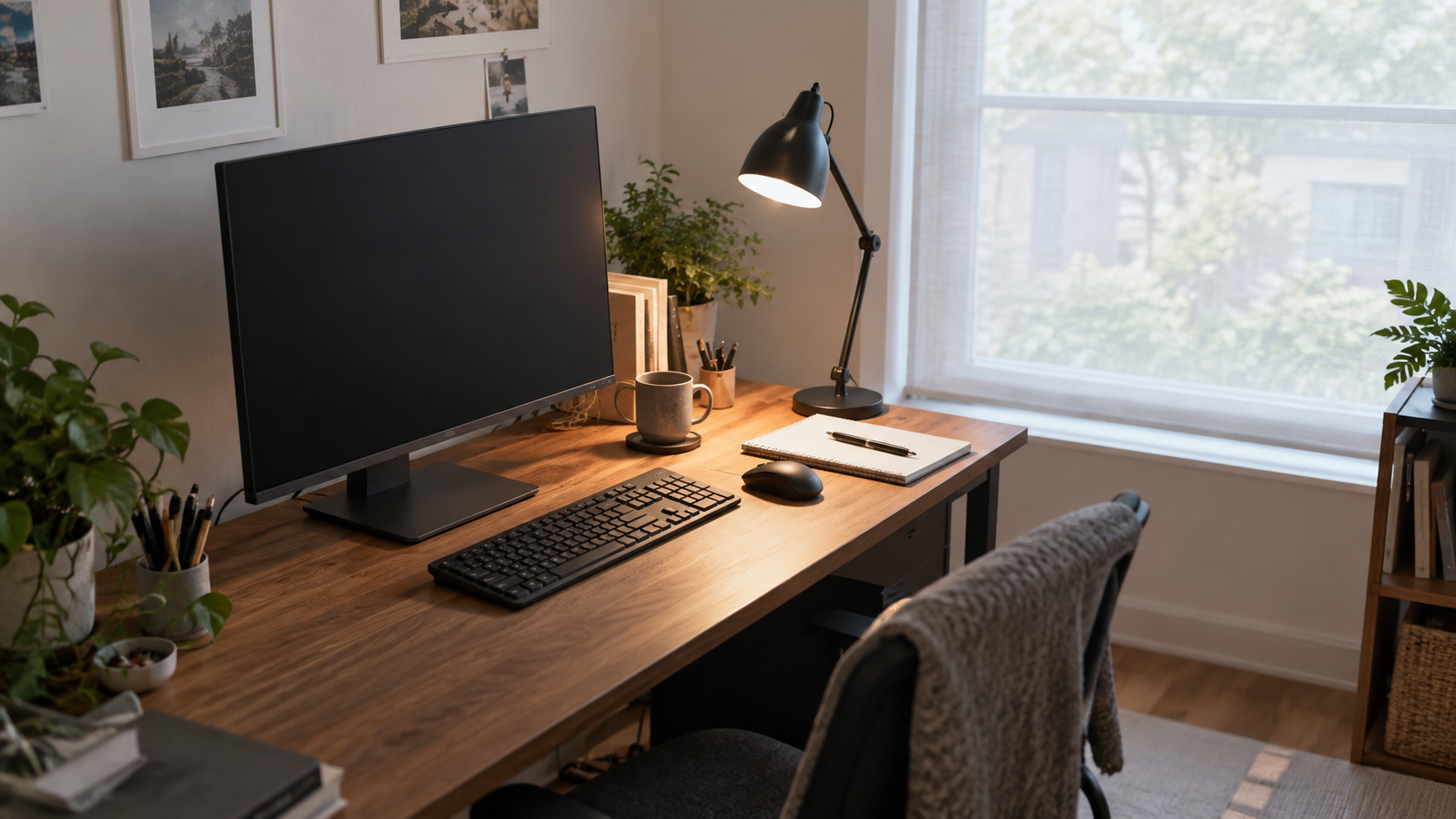
5. Reduce competing light behind the monitor
Light behind a monitor is not automatically bad. The problem comes from a sharp, bright source that is visible around the display or reflected in it. If a lamp, window, or bright wall sits directly behind the screen, try changing its angle or softening it first. A more even room light level is usually easier on the eyes than one bright point next to a dark screen.
Keep the desk surface clear enough to make these changes. Tidy cable routing also helps when you need to slide a monitor or lamp a few inches without creating new clutter. Our cable management basics explains how to create that flexibility.
6. Clean the panel and simplify what is on it
Fingerprints, dust, and oily marks scatter light, so a clean screen gives you a clearer read on whether a reflection is actually gone. Use the cleaning method recommended for your display. Then choose a comfortable screen brightness and a background that does not make every reflection look stronger than it is.
Do not treat maximum brightness as the default answer. It can mask a reflection temporarily, but it does not improve the room layout. Fix the light path first, then fine-tune the display settings for the room you have.
7. Treat accessories as the last step
Monitor hoods, matte screen protectors, and anti-glare accessories can be useful in a stubborn setup. They are most helpful when the desk cannot move or a shared room has fixed overhead lighting. Check that any accessory fits your exact monitor size and does not interfere with a webcam, stand, or ventilation.
They work best as a finishing touch. If a window is reflecting directly into the screen, a small desk rotation or adjustable shade is normally the more sensible first move.
A five-minute glare check
- Open the window covering to the level you normally use.
- Turn on the desk and ceiling lights you use during work.
- Open a pale document and a dark document on the monitor.
- Move your chair naturally, then spot any bright reflections or washed-out areas.
- Change one thing at a time: monitor angle, lamp direction, or window treatment.
When the screen stays easy to read in both light and dark content, stop adjusting. A workable setup should feel calm and repeatable, not endlessly tweaked.
Final thought
The best way to reduce screen glare in a home office is to manage the path of light before buying an accessory. Start with a side-on monitor position, soften direct daylight, and keep task lighting aimed at your desk. Those changes are inexpensive, reversible, and easier to maintain as your workspace evolves.