As an Amazon Associate I earn from qualifying purchases.
A desk mat can make a small desk feel calmer, quieter, and easier to use, but the wrong size can do the opposite. A mat that is too small leaves your mouse with nowhere to travel; one that is too large can cover the space you need for writing, a drink, or the edge of a laptop stand. The right desk mat size starts with usable desk space, not the largest mat you can fit.
This guide shows how to choose a desk mat size for a small desk, with a simple way to measure before you shop. The goal is a mat that gives your keyboard and mouse a defined home while preserving the work zones you use every day.
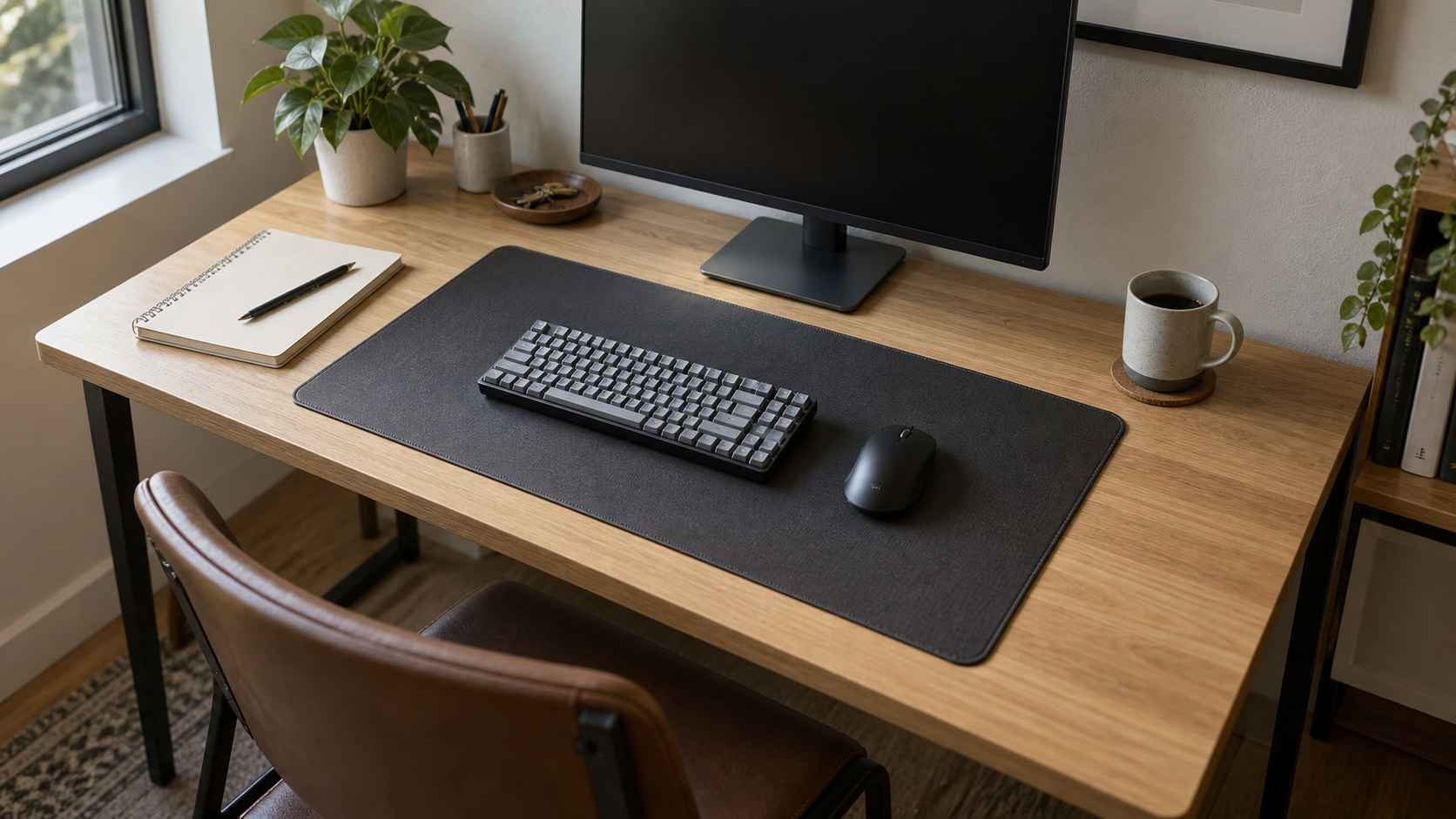
Start with usable desk space, not the full desk measurement
Measure the clear surface where you actually work. That is often smaller than the desk’s advertised width and depth. A monitor stand, lamp base, desk shelf, charging dock, or wall-hugging cable route can all reduce the rectangle available for a mat.
Use a tape measure and note three things: clear width, clear depth, and any obstacle that cannot move. Then subtract a margin from the sides and front edge. This margin matters because you need somewhere to rest a notebook, slide a chair in, and keep a drink away from the mouse area.
If your desk is already crowded, first create a little working room. Our small desk organization guide has practical ways to give everyday items a place without adding a large drawer unit.
Choose the coverage style before choosing dimensions
There are two sensible ways to use a desk mat:
- Keyboard-and-mouse coverage: a compact mat that covers the typing area and lets the mouse move freely. It is usually the safer choice for narrow desks.
- Work-zone coverage: a wider mat that also gives a notebook, tablet, or small accessory a protected landing area. It works well when the desk has a clear central zone.
Neither approach is automatically better. Think about what stays on your desk from morning to evening. If you write notes beside the keyboard, leave that spot bare or choose a mat wide enough to include it intentionally. If your main need is smoother mouse movement, avoid paying for a surface that takes over the whole desk.
Use this simple sizing check
Place your keyboard, mouse, and the item you reach for most often on the desk. Then use painter’s tape, a folded towel, or a sheet of paper to outline a few candidate mat sizes. Sit down and make your usual mouse movements. Reach for a pen. Open a notebook. The outline that feels generous without swallowing the desk is your target.
As a practical rule, leave some visible desk surface around the mat. On a small desk, that empty border is not wasted space. It is the buffer that keeps your coffee mug, phone, and loose papers from migrating onto the mouse path.
Measure width with your mouse movement in mind
Width is the measurement most people notice first. Start with the keyboard in its normal position, then include the full area your mouse uses during ordinary work. Do not measure only the space under the mouse when it is parked. A narrow mat can feel frustrating the first time you need to drag across a spreadsheet, edit a photo, or simply move between two screens.
If your keyboard has a number pad, it occupies more horizontal space. A compact keyboard gives you more room for the mouse and may let you use a smaller mat without compromise. This is one of the quiet benefits of choosing a desk setup as a system rather than adding accessories one at a time.
Check depth before you order
Depth determines how close the mat comes to the front of the desk and whether it collides with a monitor stand or desk shelf. Too little depth can leave the keyboard half on and half off the mat. Too much can push the keyboard uncomfortably close to you or cover the space where you rest your hands.
Measure from the front edge of the desk back to the nearest fixed object. Leave a comfortable strip at the front. This keeps the edge of the mat from feeling like a barrier and gives you room for a wrist rest if you use one. It also makes cleaning easier, since crumbs and dust are less likely to collect in an unreachable narrow gap.
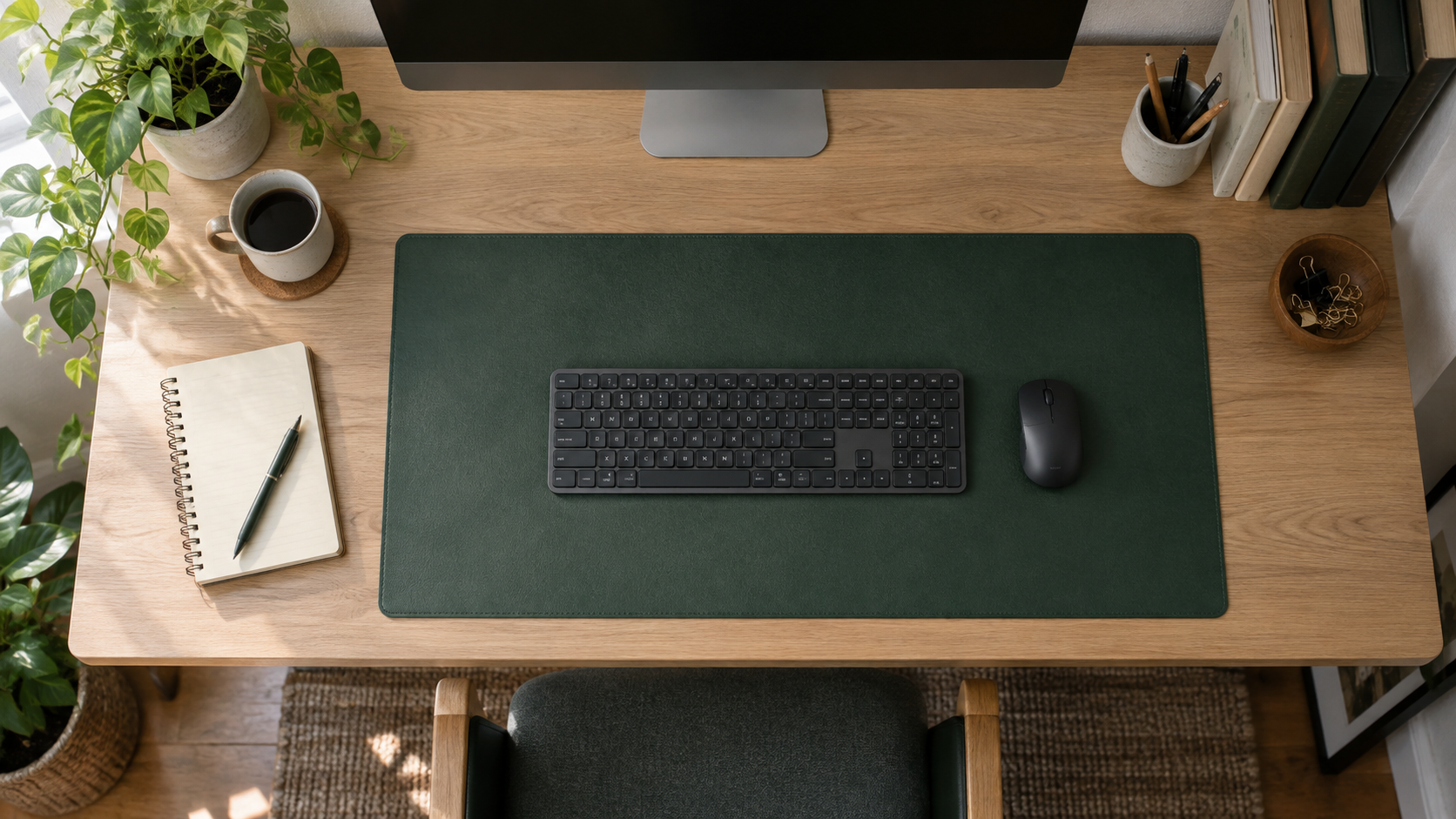
Leave room for the things that should stay off the mat
Desk mats are great for creating a tidy visual zone, but not every object belongs on one. Drinks are safer on a stable coaster placed off to one side. A notebook may be easier to write in when it sits on the bare desk at the same height as your keyboard. A phone charging cable and a lamp base also work better when they have their own small territory.
Think in zones instead of trying to cover every inch. The mat is the input zone. The open desk is the flexible zone. That distinction is especially useful on a small surface.
Consider the edges, thickness, and material
Size is the first decision, but a few details affect whether the mat remains pleasant to use. A very thick mat can interfere with a low keyboard or make the front edge feel prominent. A thin mat is easier to slide under accessories, but it may move around if its backing is too smooth. Rounded corners can help the mat look less bulky on a compact desk, while stitched edges may be worth considering if you expect frequent use.
Material is a separate choice from size. Smooth faux leather is easy to wipe; fabric can feel softer and may improve mouse tracking; cork and felt bring a warmer look but need more care around spills. Compare the trade-offs in our desk mats for small home offices guide after you know the dimensions that fit your desk.
Watch for these common sizing mistakes
- Buying based on the desk’s full measurements instead of the usable center area.
- Choosing a mat that ends exactly where the mouse needs to move.
- Covering the only clear spot for notes, coffee, or a phone charger.
- Ignoring a monitor stand’s base, cable tray, or desk shelf.
- Using a mat so deep that the keyboard gets pushed too close to the front edge.
A small amount of measuring avoids all five. It also means you can shop by a clear range rather than guessing from product photos.
How a desk mat fits with the rest of the setup
A desk mat will not solve clutter on its own, but it can make a planned setup easier to keep. Use cable clips or a simple route under the rear edge so charging leads do not cross the mouse area. If you have a monitor riser, leave enough bare desk behind the mat for the base and its cables. Our monitor stand checklist is useful when you are balancing these dimensions on one compact surface.
Once the work area is defined, the rest of the desk is simpler to maintain. The mat provides a consistent place to return the keyboard and mouse, while the uncovered edges stay available for whatever the day requires.
Final thought
The right desk mat size is rarely the biggest option. It is the one that comfortably contains your keyboard and mouse, respects fixed obstacles, and leaves breathing room around the work area. Measure the usable desk surface, test the outline with everyday objects, and choose the smallest size that still supports the way you work.