As an Amazon Associate I earn from qualifying purchases.
Under-desk storage can make a standing desk easier to use, but it has one extra rule: everything must still work when the desktop moves. A drawer that looks harmless while seated can press against a crossbar, crowd your knees, or pull on a cable when the desk reaches standing height. The most useful setups keep everyday items close without becoming part of the desk’s moving path.
This guide is for adjustable desks in compact home offices. It focuses on fit, clearance, and access rather than on one specific product.
Start with the desk at both of its working heights
Before choosing storage, raise and lower the desk through its full travel. Watch the frame, control box, crossbar, and cable route instead of measuring the empty space under a stationary desktop. The usable zone is the space that stays clear at both your seated and standing positions.
- Measure the distance from the underside of the top to any frame rail.
- Check how far the legs and crossbar shift as the desk rises.
- Leave room for knees, chair arms, and a footrest if you use one.
- Follow each cable from the desktop to the floor and allow a relaxed loop for movement.
That simple motion test prevents the most common mistake: buying storage for the apparent gap, not the moving gap.
Choose storage that belongs in a moving workspace
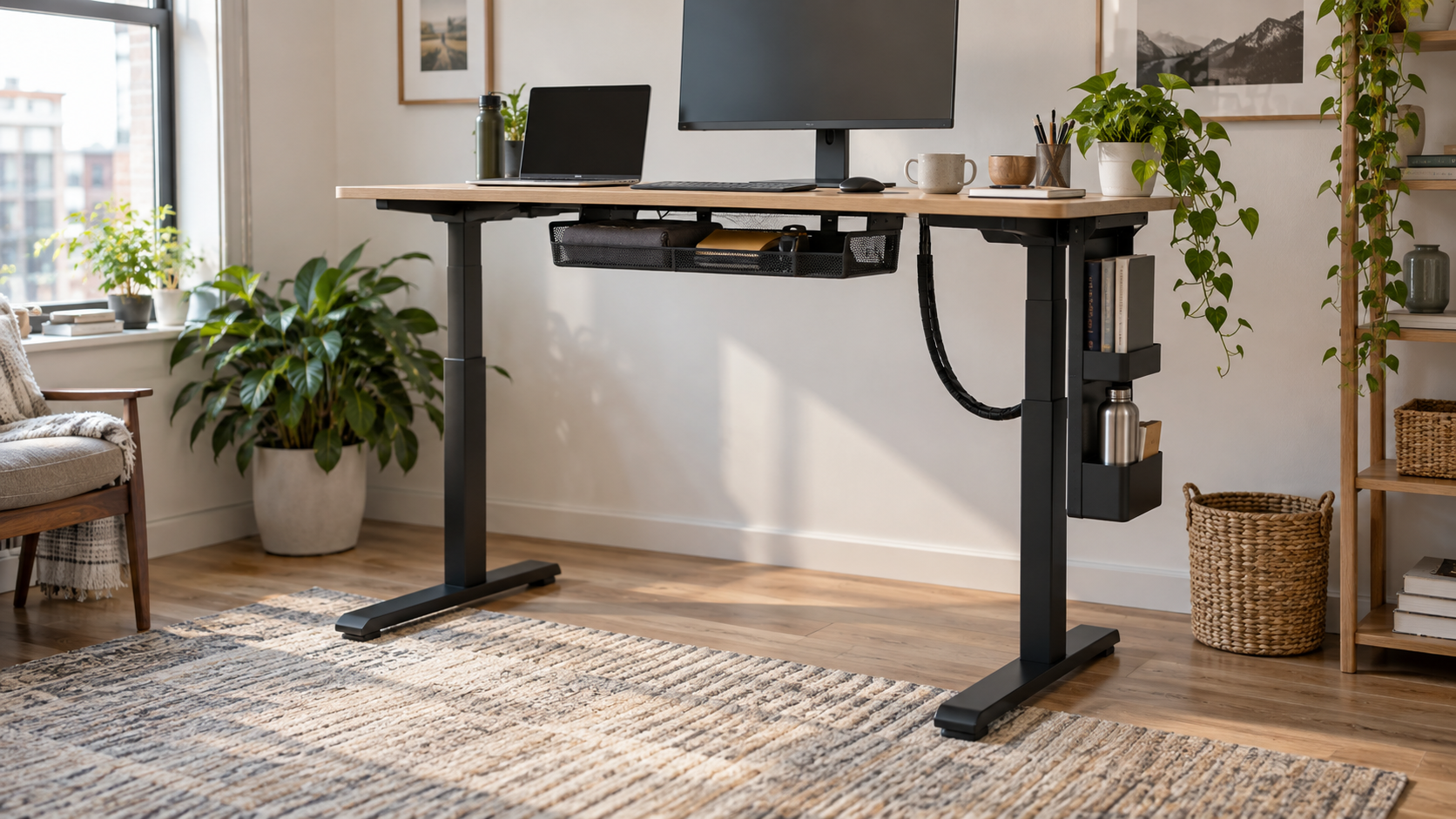
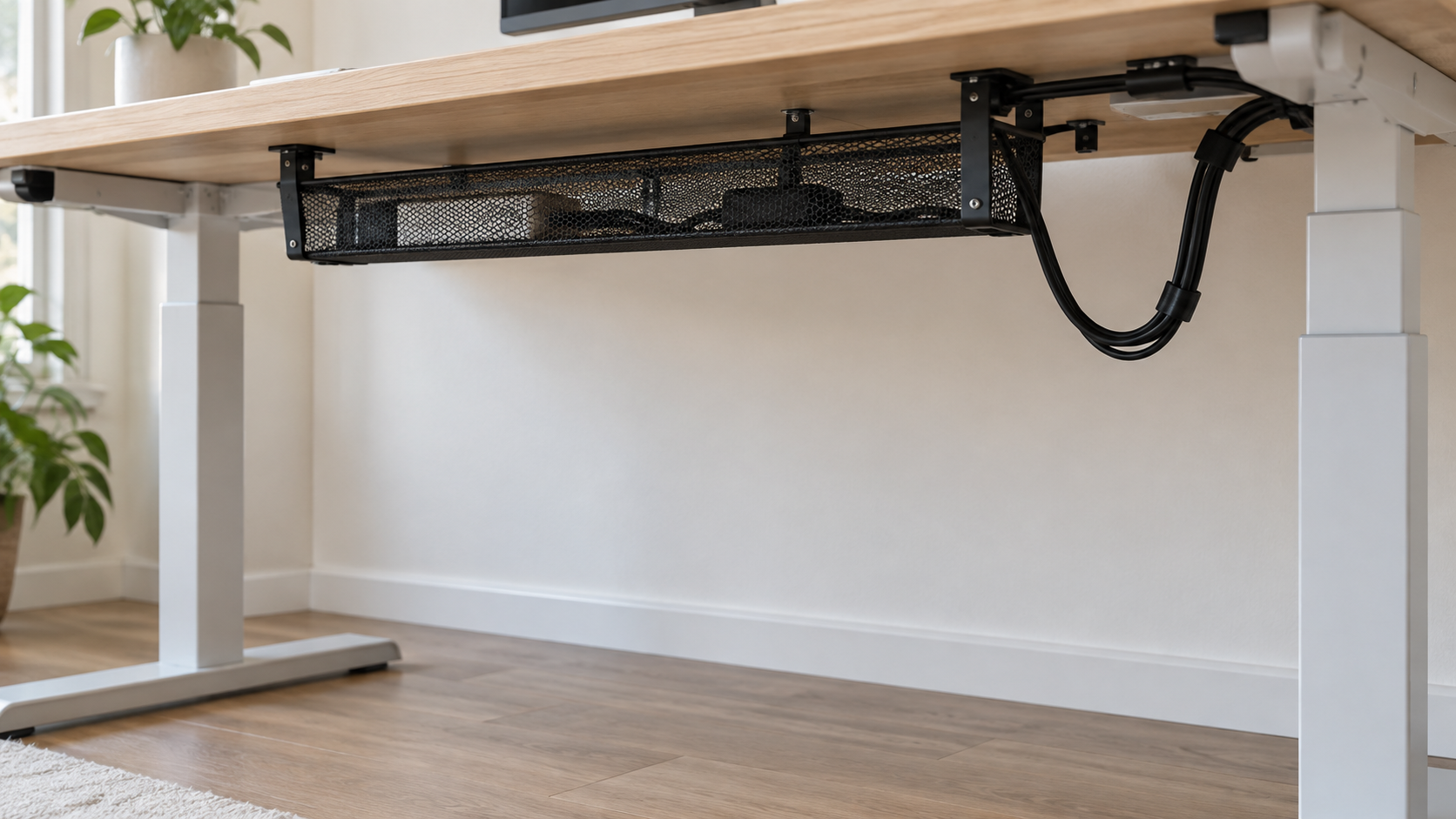
Shallow clamp-on baskets are often a good fit for light, frequently used items such as a notebook, charging cable, or small headset. They keep the desktop clear while staying close to the top. Choose one only after confirming that its clamps do not occupy the same edge as a monitor arm, keyboard tray, or cable tray.
Side-mounted hanging pockets can work when the center of the desk needs to remain open. They are useful for flat items and avoid the main knee zone, but check that they will not touch a wall, filing cabinet, or chair when you change position.
A narrow rolling cart beside the desk is the easiest option to adjust later. It is not attached to the moving desk, so it cannot collide with the frame. Put heavier supplies there and keep the cart outside the chair’s turning area. For broader ideas that work in fixed and adjustable setups, see our under-desk storage guide for small home offices.
What usually causes trouble
Deep under-desk drawers can be useful on a fixed table, but they need extra scrutiny on an adjustable base. A drawer mounted beneath the center can reduce legroom, hit a support rail, or add weight where the desktop moves. Large bins directly under the desk can also become a trip or chair-wheel issue when your setup changes throughout the day.
Avoid mounting anything before you understand the desk’s warranty guidance and the material of its top. Clamps, adhesive, and screws each need a compatible surface. If your desk has a crossbar or a control box below the top, leave a service gap around it rather than packing every inch.
Put items where their access pattern makes sense
Give the closest space to items you use once or twice a day: a notepad, charging lead, or small adapter. Put rarely used supplies in a side cart or cabinet. This keeps the shallow under-desk area from turning into a catch-all and makes it easier to notice when something has drifted into the desk’s path.
If you are deciding between storage drawer shapes, our guide on choosing under-desk drawers without losing legroom is a helpful next check. It looks at clearance before capacity, which matters even more with a height-adjustable frame.
Plan storage and cable movement together
Storage and cables compete for the same hidden space. Keep power strips, cable sleeves, and storage baskets separate enough that you can inspect each one. A cable should not rub against a basket edge or become taut at the desk’s highest point. For a movement-friendly route, see how to hide cables under a standing desk without restricting movement.
It also helps to map the desk into zones: power, devices, frequently used supplies, and long-term storage. Our cable management basics for home offices explains that planning approach in more detail.
A quick fit checklist before you buy
- Check the product’s width, depth, and mounting method against the clear area under your top.
- Confirm it clears frame rails, motors, and the desk control box through the full height range.
- Keep the central leg area open and make sure your chair can roll freely.
- Use light storage on the moving desktop; put heavy supplies on a nearby cart or cabinet.
- Allow cable slack and inspect the route after raising and lowering the desk.
- Choose a setup you can remove or reposition if your work habits change.
The practical choice for most small setups
For most people, a shallow basket for light daily items plus a slim cart beside the desk is more flexible than one large drawer. The basket protects desktop space; the cart carries weight and gives you room to adjust the workstation later. Test the whole arrangement at seated height, standing height, and while rolling your chair in and out before committing to it.
Ready to compare storage formats that may suit an adjustable desk? Browse standing-desk under-desk storage options on Amazon.