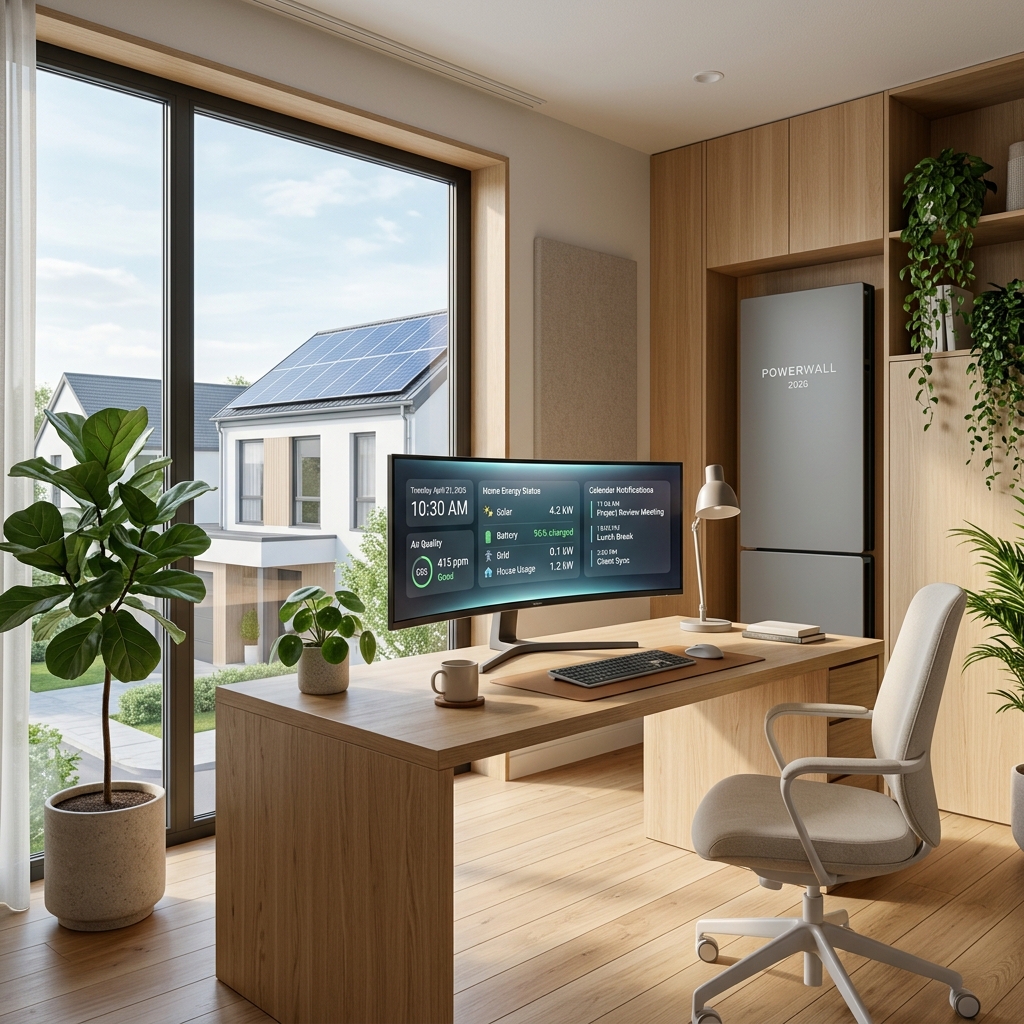
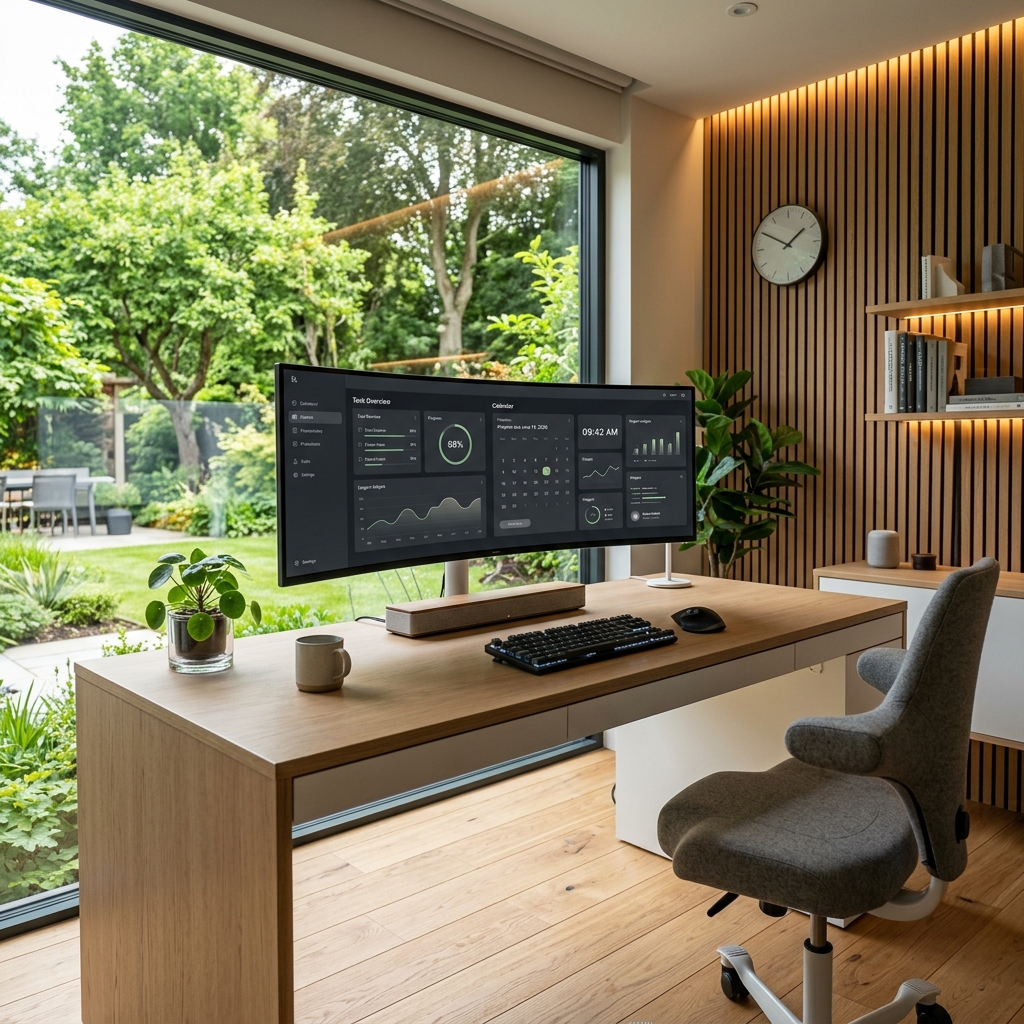
For years, technology analysts spoke of the “home of the future” as a collection of disjointed gadgets: voice assistants that could play music, lightbulbs that changed colors on command, and smart refrigerators that theoretically knew when you were out of milk. But in 2026, the narrative has shifted fundamentally. The smart home is no longer a collection of novelties. It has evolved into a unified, proactive ecosystem that serves as the critical infrastructure for both daily living and professional life.
As remote and hybrid work models have solidified into the standard operating procedure for global business, our homes have taken on a dual identity. They must simultaneously serve as a peaceful sanctuary for family life and a high-performance, distraction-free environment for professional output. The response to this challenge has been the Grand Convergence: a merging of consumer smart technology, enterprise-grade connectivity, localized artificial intelligence, and environmental health science to create the ultimate work-from-home (WFH) experience.
In this deep-dive guide, we will explore the major smart home and remote work trends of 2026. We will look at how agentic AI, unified networking standards, and health-focused automations are transforming how we design our workspaces and live our lives—and how you can implement these technologies to elevate your own daily routine.
1. The Intelligent WFH Sanctuary: Designing the Ultimate Productivity Space
The days of working from a kitchen table or a cluttered corner in the bedroom are long gone. In 2026, remote workers design their offices as dedicated productivity sanctuaries. The technology within these spaces is designed to be invisible yet highly responsive, adjusting the ambient environment in real-time to match the worker’s cognitive needs and daily calendar.
Circadian Lighting and Adaptive Environments
One of the most significant breakthroughs in WFH design is the integration of dynamic, circadian lighting. We have known for years that lighting color temperature and intensity directly impact focus and energy levels. In 2026, smart home office lighting is completely automated to align with your biological clock and work schedule:
- Morning Focus (8:00 AM – 11:30 AM): The system automatically adjusts overhead panels and desk light bars to a bright, cool white light (around 5,000K to 6,000K) at high intensity. This suppresses melatonin production and boosts cortisol, helping you wake up and tackle deep work blocks.
- Afternoon Warmth (1:30 PM – 5:00 PM): As the day progresses, the lighting shifts to a softer, neutral white (around 3,500K to 4,000K) to maintain focus without causing the sensory fatigue associated with prolonged exposure to harsh blue light.
- Evening Wind-Down (5:30 PM onwards): Once your work day ends, the office transition light switches to a warm, low-intensity amber (2,200K to 2,700K). This signals to your brain that it is time to transition from “employee” back to “homeowner,” facilitating a natural wind-down.
Camera-Ready Meeting Automations
Video conferencing remains the primary medium of professional connection, but the stress of preparing your workspace for a call is a thing of the past. In 2026, your home office integrates directly with your digital calendar and communication tools (such as Slack, Teams, or Zoom) to automate “Meeting Mode”:
Real-World Scenario: It is 10:00 AM, and you have a client presentation. As the calendar event approaches, your smart desk lamp slowly turns on, angling a soft diffusive light toward your face to eliminate harsh shadows. Your primary computer monitors dim slightly to reduce glare, and the smart motorized blinds adjust to prevent backlighting. Outside your door, a small status light turns red, signaling to family members or roommates that you are active in a meeting. Once the call ends, the room smoothly transitions back to its standard focus setup.
Ergonomic Automation
Ergonomics in 2026 goes beyond static chairs and desks. Smart standing desks now use presence sensors and gentle prompts to encourage movement. Rather than forcing you to remember to stand, the desk communicates with your fitness wearables. If it detects that you have been sitting with a high heart rate or for more than 50 consecutive minutes, the desk will subtly adjust its height by a fraction of an inch to prompt you to shift your posture, or elevate to a standing position between scheduled meetings.
2. The Agentic Core: How Matter 2.0 and Local AI Are Revolutionizing Connectivity
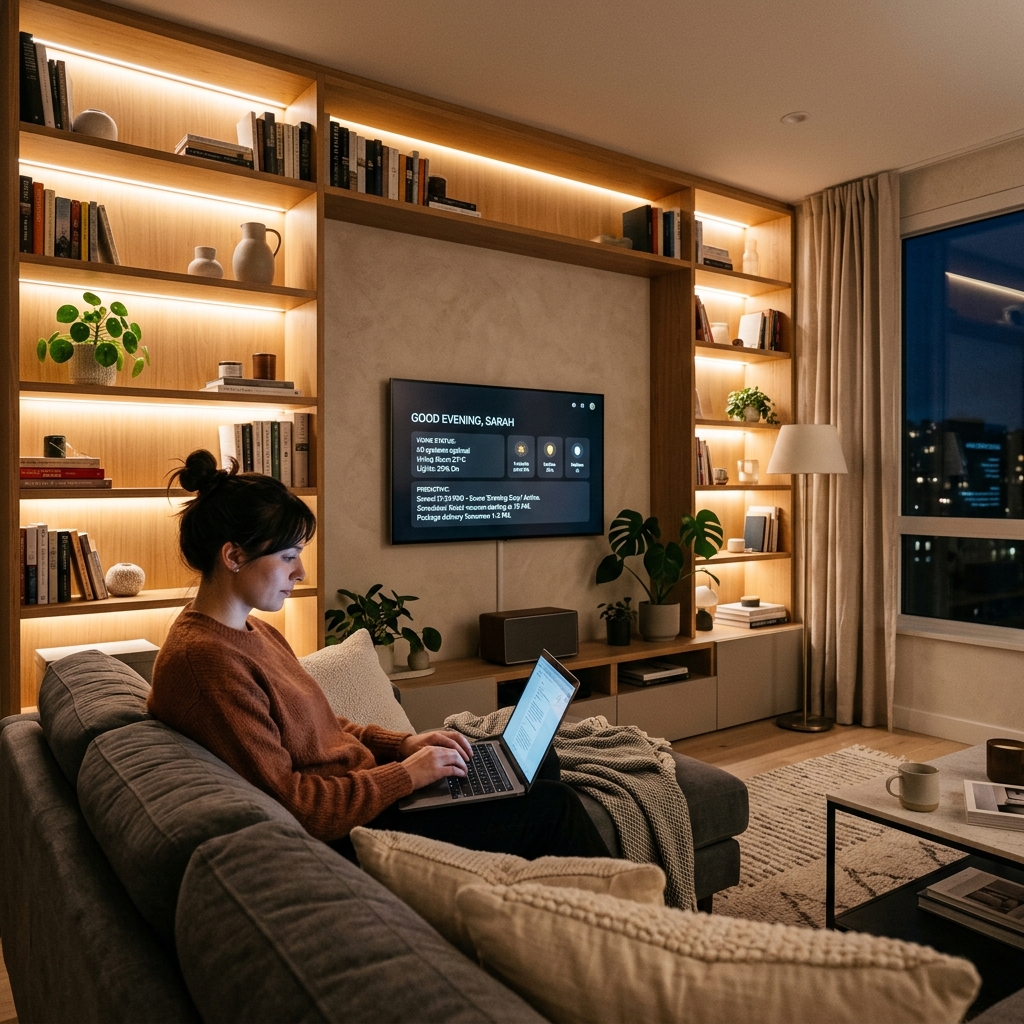
Behind these seamless automation experiences is a massive shift in how smart home systems communicate and process data. The fragmented ecosystems of the early 2020s—where users had to manage separate apps for lighting, security, and climate control—have been replaced by a unified, intelligent framework powered by the **Matter protocol** and **local Edge AI**.
The Maturation of the Matter Protocol
The standard protocol for smart homes has reached absolute maturity in 2026. The newest iterations of Matter ensure that hardware compatibility is no longer an obstacle. A light sensor from one manufacturer, a smart blind controller from another, and a thermostat from a third all speak the same language locally. They communicate directly over a Thread mesh network without needing custom cloud integrations or proprietary bridges. For the remote worker, this translates to unmatched system reliability and sub-millisecond response times.
The Rise of Local-First Edge AI
Perhaps the most critical technological leap in 2026 is the transition from cloud-reliant AI services to **Local-First processing**. In previous years, every voice command or automation trigger had to travel to a remote server, process, and send a command back to the house. This introduced latency, relied on a stable internet connection, and raised massive privacy concerns—especially for remote workers handling sensitive corporate data.
In 2026, high-performance smart hubs run local, lightweight Large Language Models (LLMs) directly on your home network. This provides three major advantages:
| Benefit | How it Works in 2026 |
|---|---|
| Absolute Privacy | Conversations, calendar schedules, and sensor logs are processed entirely inside the house. No audio snippets or video feeds are sent to external cloud servers, satisfying strict corporate compliance requirements. |
| Zero-Latency Execution | Because data does not travel to the cloud and back, commands execute instantly. You ask your assistant to “mute the background music and prepare the lighting for a client presentation,” and it happens in a fraction of a second. |
| Offline Resilience | If your primary internet service provider suffers an outage, the local AI agent, Matter sensors, and automation schedules continue to function perfectly. The home remains smart even when the cloud is unreachable. |
Intelligent Network Prioritization
Remote workers cannot afford network lag, dropouts, or bandwidth starvation because someone else in the house is streaming high-resolution media or downloading a heavy file. Next-generation routers utilize localized AI to dynamically partition bandwidth. The router recognizes traffic patterns: it prioritizes video call packets, VPN connections, and active database transfers on WFH devices, while gently throttling background updates or entertainment traffic during working hours. When 5:00 PM hits, the bandwidth allocation shifts back to a balanced, household-wide profile.
3. Holistic Well-Being: Air Quality, Climate, and Circadian Health
One of the hidden dangers of remote work is the psychological and physical strain of spending long, uninterrupted hours in a single indoor environment. Without the natural breaks of a commute, walks to meetings, or stepping out for lunch, remote workers are highly susceptible to fatigue, eye strain, and poor air quality. The 2026 smart home approaches this holistically, actively monitoring and adjusting the home’s climate to optimize cognitive performance and long-term health.
Active Air Quality Management and Cognitive Performance
Did you know that high levels of Carbon Dioxide (CO2) in a closed room can degrade cognitive function by up to 50%? In a typical sealed home office, CO2 levels can easily spike past 1,200 parts per million (ppm) within two hours of closed-door meetings. This leads to that familiar mid-afternoon brain fog, sluggishness, and minor headaches.
In 2026, smart indoor air quality monitors track CO2, volatile organic compounds (VOCs), and fine particulate matter (PM2.5) in real-time. If the CO2 level in your office climbs past 800 ppm, the system triggers the home’s ventilation system, such as an Energy Recovery Ventilator (ERV), to draw in fresh, filtered air from the outside while expelling stale indoor air. It does this quietly, ensuring the fan noise never disrupts your calls.
Microclimate Zoning
Traditional heating and cooling systems operate on a single thermostat, meaning you either heat the entire house or freeze in the office. Modern smart home designs employ motorized smart dampers and ambient temperature sensors to create distinct thermal microclimates. The system knows you are working in the office from 9 to 5, so it diverts conditioned air specifically to that room. This keeps you perfectly comfortable at your desk while reducing energy use in unoccupied areas of the house, like bedrooms or the living room.
“By focusing climate control only on active WFH zones during the day, homeowners reduce their daily heating and cooling energy usage by up to 35%, proving that productivity and environmental sustainability can go hand-in-hand.”
4. The Sustainable WFH Ecosystem: Smart Energy & Resilience
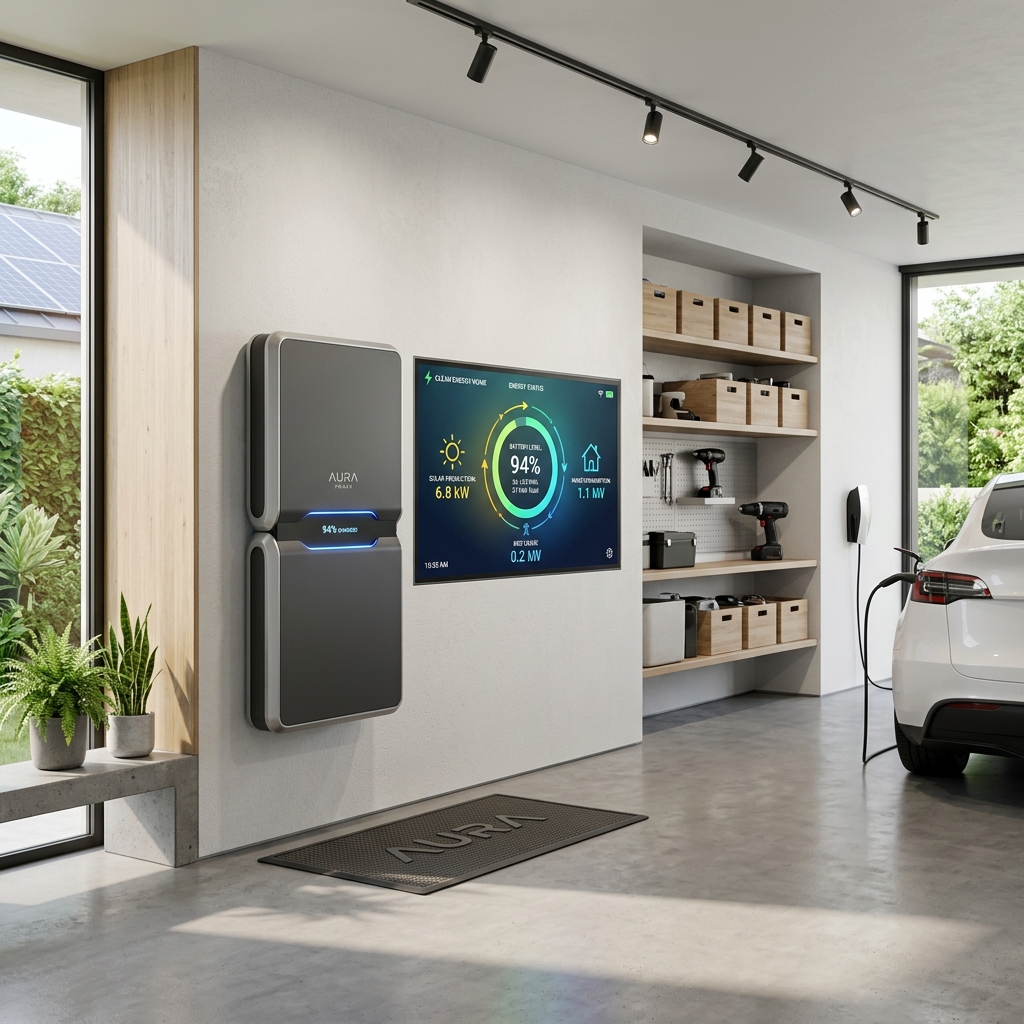
With remote work keeping computers, multi-monitor setups, network infrastructure, and climate control running all day, home energy bills have risen significantly. At the same time, grid stability has become a concern in many regions. The response in 2026 has been a massive surge in home microgrids and sustainable energy management.
Home Microgrids and Battery Backups
For a remote professional, a power outage isn’t just an inconvenience; it represents lost billable hours, missed meetings, and damaged credibility. Because of this, modern home designs integrate solar arrays with advanced battery storage systems. These battery walls act as intelligent home microgrids. They are designed to monitor grid health and transition instantly to battery power in the event of an outage. This transfer occurs in under 10 milliseconds—so fast that your desktop computer, mesh router, and active monitors never even flicker.
AI-Driven Energy Arbitrage
The energy systems of 2026 do more than just store power; they play the energy market to save you money. Through a process called **energy arbitrage**, the smart home’s central AI agent monitors real-time electricity rates from your utility provider and cross-references them with weather forecasts:
- Solar Generation: During peak daylight hours, the solar panels power your home office and charge the battery storage.
- Predictive Charging: If the weather forecast predicts a cloudy afternoon, the system charges the batteries during the early morning hours when grid rates are lowest.
- Grid Disconnection: During peak demand hours (typically late afternoon and early evening), when grid rates skyrocket, the smart home automatically disconnects from the grid, running the entire house off the stored battery power. This shields the homeowner from peak pricing structures.
5. Step-by-Step Guide: Building Your 2026 Smart WFH Setup
Building a modern, integrated environment does not require you to tear down your walls or spend a fortune overnight. The key is to build systematically, prioritizing the core infrastructure first and layering intelligent devices on top as your needs evolve. Here is a practical roadmap to get you started:
Step 1: The Foundation (Network & Hub)
Before buying any smart lights or sensors, you must ensure your network can handle the load. A weak network is the single most common cause of smart home failures.
- Invest in a Wi-Fi 6E or Wi-Fi 7 Mesh System: This ensures dedicated wireless bands for your high-speed work devices, leaving the standard bands for smart home accessories.
- Choose a Local Hub: Select a hub that emphasizes local control (such as a Home Assistant Green, Apple TV 4K with Thread, or a next-generation SmartThings hub). Avoid hubs that require an internet connection for basic automations.
Step 2: Productivity & Lighting
Once your network is stable, focus on the elements that directly impact your daily focus and meetings.
- Install Matter-Certified Smart Lighting: Look for light strips and overhead bulbs that support dynamic color temperature adjustment.
- Add a Smart Light Bar: A monitor-mounted light bar reduces eye strain by casting light downward onto your workspace without reflecting glare off your screen.
- Integrate a Presence Sensor: A millimeter-wave (mmWave) presence sensor is far more accurate than standard motion sensors. It can detect you even if you are sitting perfectly still at your desk, ensuring your lights never turn off while you are reading a document.
Step 3: Indoor Climate and Air Quality
Focus on your physical comfort to protect your health during long work sessions.
- Add a Dedicated Air Quality Monitor: Place a sensor on your desk at breathing height to monitor CO2 and PM2.5 levels.
- Install Smart Vents or Dampers: Pair these with your thermostat to redirect airflow to your office space during working hours, ensuring your workspace remains comfortable without wasting energy on the rest of the house.
Step 4: Resilience and Security
Finally, build out the infrastructure that keeps you safe and online during emergencies.
- Install a Smart UPS (Uninterruptible Power Supply): If a whole-house battery wall is out of your budget, place a dedicated UPS under your desk to power your router, modem, and primary computer. This guarantees you remain connected during sudden dropouts.
- Implement Network Segmentation: Use your router to create a separate VLAN (Virtual Local Area Network) for your smart home devices. This isolates your IoT products from your work computer, keeping corporate data completely secure from potential smart home vulnerabilities.
Conclusion: The Future is Responsive
The transformation of the smart home in 2026 reflects a deeper shift in how we relate to technology. We are moving away from an era where we had to adapt to our gadgets, clicking through apps and configuring complex rules. Instead, we have entered the era of the responsive home—an environment that understands our context, respects our privacy, protects our health, and supports our productivity.
By designing a workspace that integrates circadian lighting, local processing, clean air, and energy resilience, you aren’t just buying gadgets. You are investing in your professional output, your physical well-being, and a more balanced lifestyle. The smart home is no longer just a place to live; it is a partner in your career.